


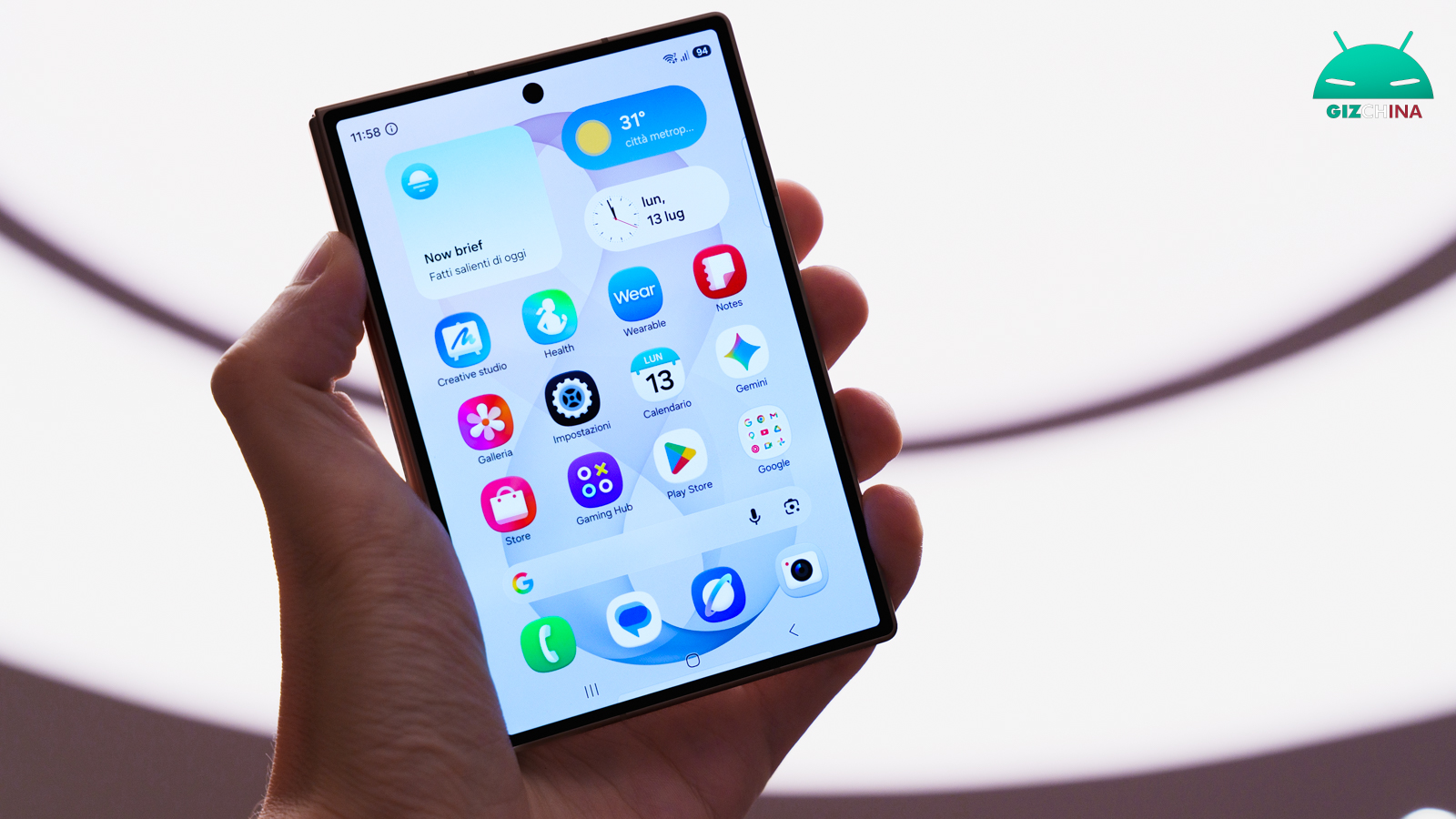
Samsung has introduced one of the most important changes in recent years for the security of its Galaxy smartphones. With One UI 9 based on Android 17, the company has radically changed the handling of incorrect unlock attempts, introducing a much more stringent system.
The news, however, concerns only some devices and could have significant consequences for the more distracted users: as a result this is a change you absolutely need to know about.
After 13 failed attempts your Samsung Galaxy device will require a factory reset

With One UI 9, Samsung has drastically reduced the number of attempts available to enter a PIN, password or unlock sequence.
If there are 13 consecutive incorrect attempts, the smartphone will enter a permanent lock state and the only way to return to using it will be to perform a factory data reset.
According to Samsung, this measure was introduced to make brute-force attacks, where a malicious actor repeatedly tries different combinations to gain device access, much more difficult.
The block times increase progressively
Before reaching the final block, One UI 9 also introduces an increasingly longer waiting period after each series of errors.
| Incorrect attempts | Wait time |
|---|---|
| 5 | 1 minute |
| 6 | 5 minutes |
| 7 | 15 minutes |
| 8 | 30 minutes |
| 9 | 90 minutes |
| 10 | 4 hours |
| 11 | 12 hours |
| 12 | 24 hours |
| 13 | Permanent lock (factory reset required) |
The aim is to drastically slow down any automated attempts to guess the access credentials.
The smartphone will show how many attempts remain
To avoid unpleasant surprises, One UI 9 will clearly inform the user of the number of attempts still available once the warning threshold is reached.
Samsung also notes that repeatedly entering the same wrong credential will not be counted as a distinct attempt, preventing accidental penalties when continuing to type the same wrong PIN.
The company has not clarified how accidental touches caused by the phone being in a pocket or bag will be handled. For this reason it is advised to keep the Accidental touch protection feature enabled, available in the display settings.
Even those using fingerprint and facial recognition will need to be careful
Remember that fingerprint and facial recognition do not fully replace the PIN or password. Android therefore periodically requires entering the main credentials, for example:
- after the device restarts;
- periodically (about every 72 hours).
Forgetting the PIN, password or pattern could therefore make a factory reset of the phone inevitable.
Only on the new Galaxy devices with One UI 9 preinstalled
An important detail concerns the availability of the new security policy. At the moment it will not affect all smartphones updated to One UI 9, but only devices that will enter the market with One UI 9 preinstalled. To date the list includes:
- Samsung Galaxy Z Fold 8
- Samsung Galaxy Z Fold 8 Ultra
- Samsung Galaxy Z Flip 8
The One UI 9 beta installed on the Galaxy S26 series does not include this change, and Samsung has not yet confirmed whether the new system will eventually be extended to older models.