


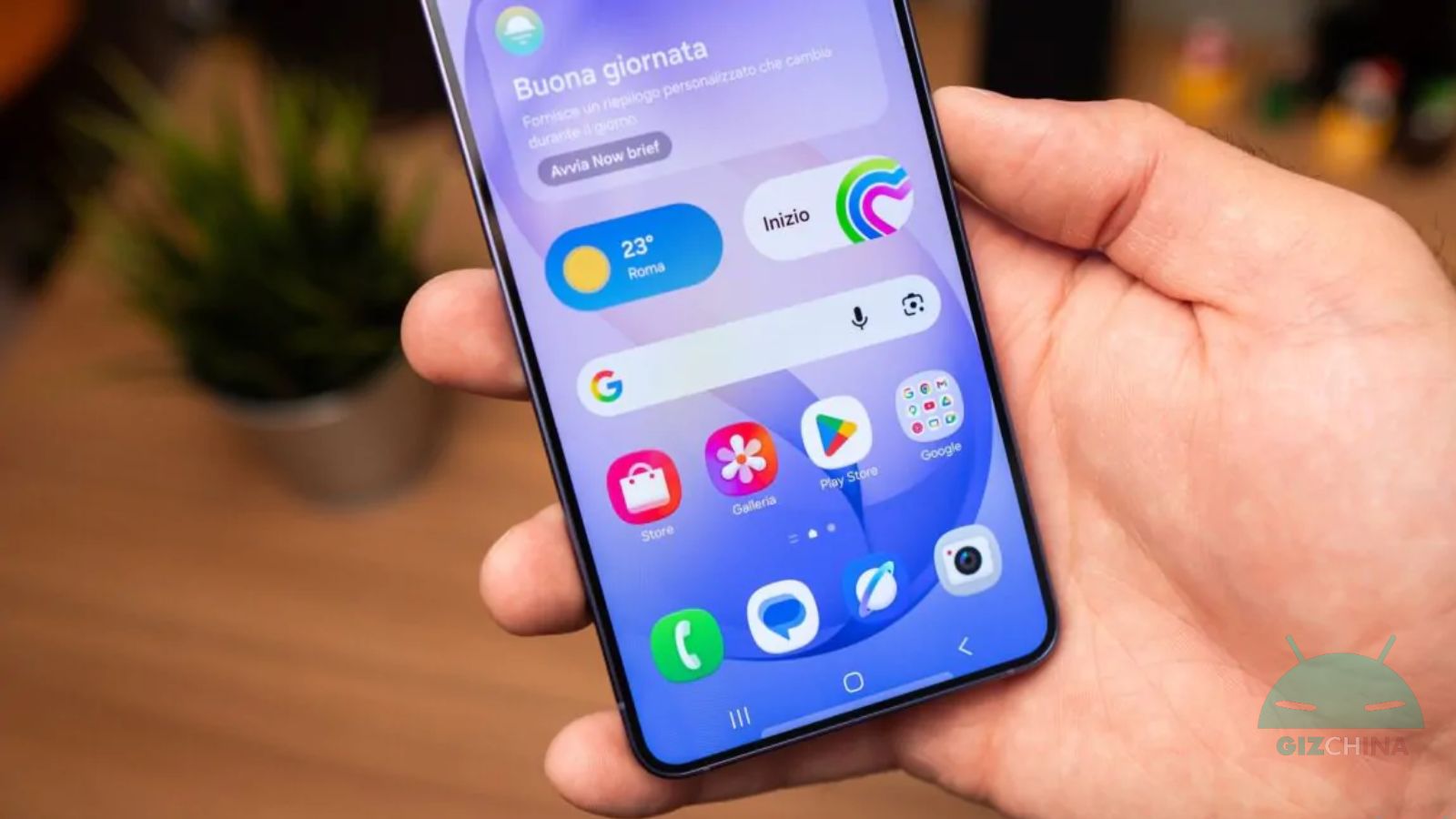
The ‘Device Care’ application (Device Care) has been updated to a new version, introducing a very particular feature for those who can’t stand excessive advertising. It is a system that blocks apps that send too many advertising notifications, a filter aimed at improving the user experience on Samsung devices, and which can certainly have a positive impact on battery life.
“Device Care” by Samsung updates and blocks apps with excessive advertising

One UI-equipped smartphones are all equipped with “Device Care”, an application that lets you manage and improve the phone’s conditions. For example, it lets you manage unused apps, free up RAM, or even detect malware in real time.
The latest update brings Device Care to version 13.8.80.7 and introduces an anti-spam filter against those apps that prove invasive, with excessive advertising notifications. The new feature identifies applications that send frequent advertising notifications and places them into a deep suspension mode.
Blocked apps can be viewed directly in Settings, in Device care by looking for the entry dedicated to Excessive notifications. At the moment it seems that the system uses two types of blocking: the basic one and the intelligent one.
In the base block, Samsung’s software identifies apps that send advertising notifications frequently, stopping any attempt to annoy the user. With the Smart Block, the notifications are analyzed to determine with certainty that they are advertisements; if confirmed, the advertisements are stopped when they begin to occur too frequently.
For now the new feature is available for smartphones updated to One UI 8.5 and it’s not known whether it will also arrive for earlier versions of Samsung’s interface.

