


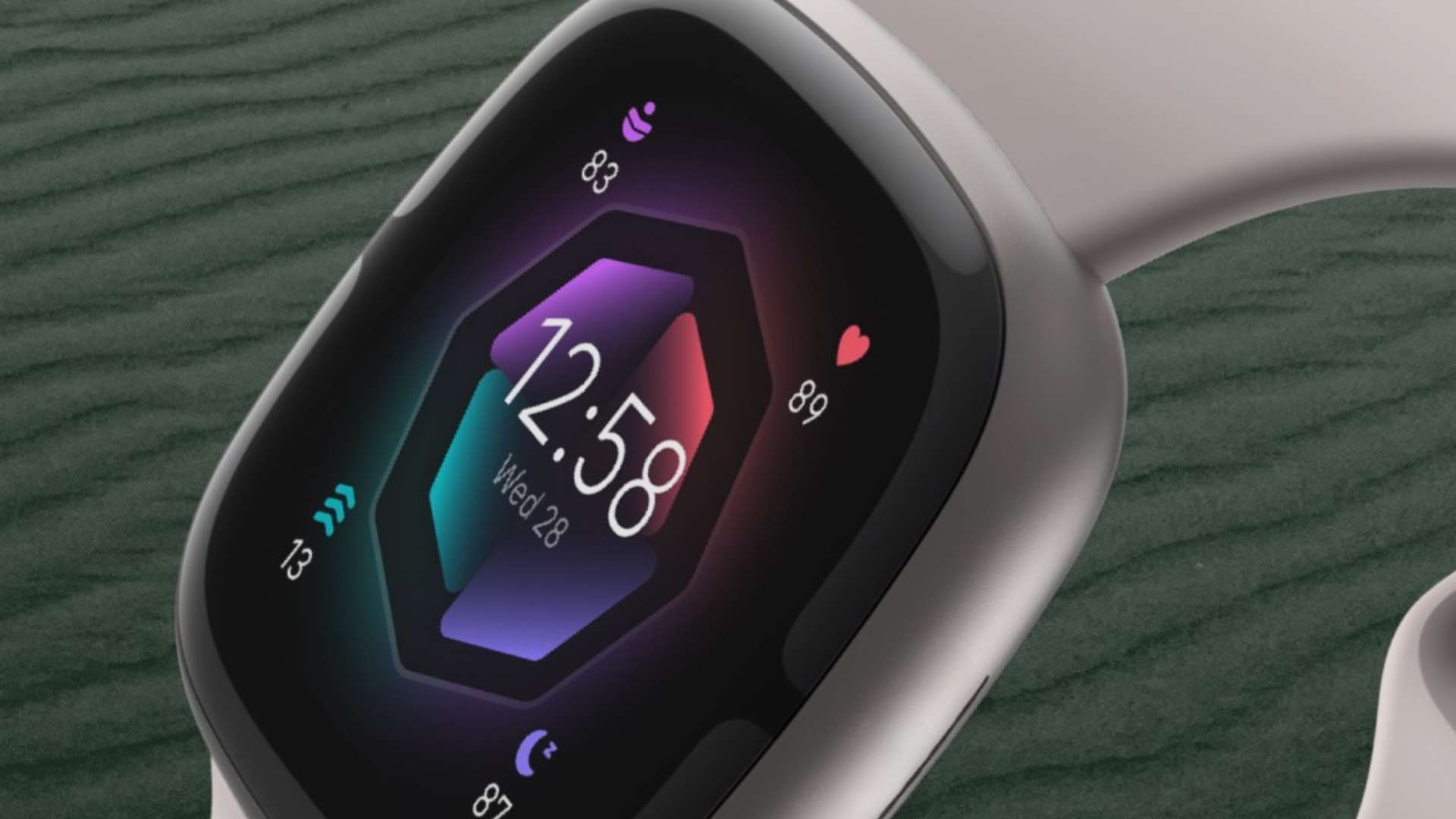
For months, users of the Fitbit application have been receiving notifications and alerts urging them to perform a seemingly secondary action, but now of vital importance for the preservation of their personal information.
The window to delay this operation is officially closing, and Google has made clear that there will be no further extensions. Within a few days, the old login credentials will stop working permanently.
Fitbit moves to Google-only accounts, don’t lose your data
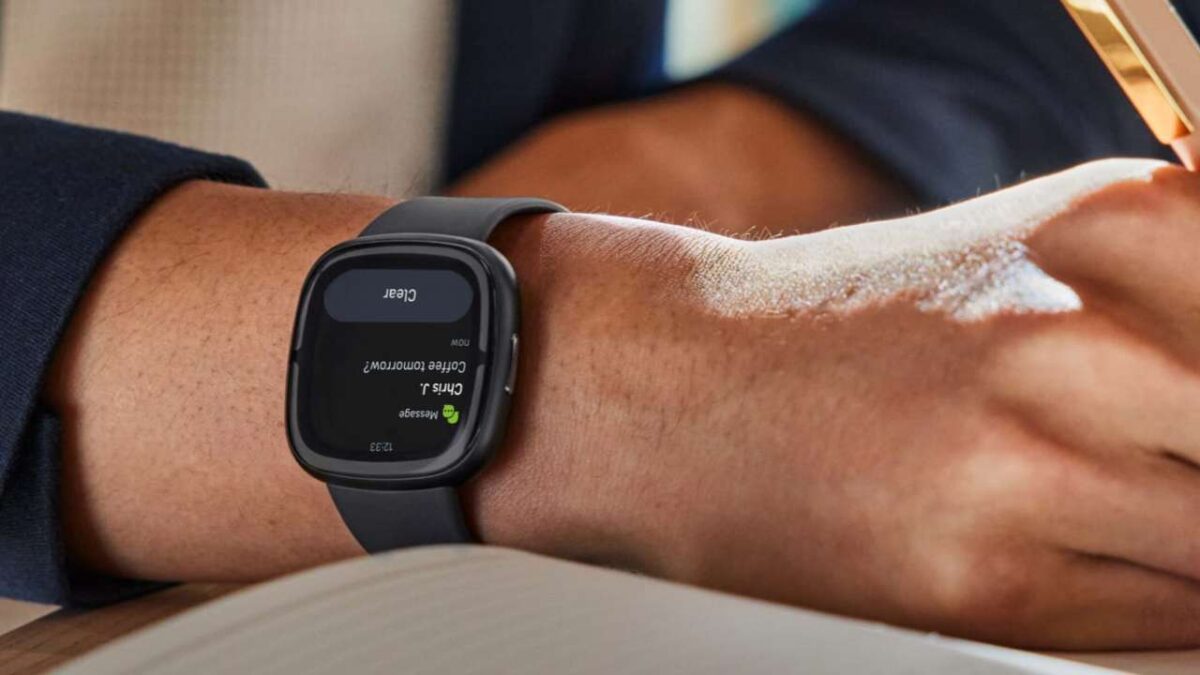
The deadline set by Google to complete the transfer of your Fitbit account to a Google profile is May 19, 2026. The original deadline had been set for the early months of the year, but the company had granted an extension in January to allow everyone to adapt more easily.
That extra grace period has now been completely exhausted. Once the mid-May date has passed, logging in with the old credentials won’t be possible in any way.
However, the real critical issue concerns the wealth of information gathered over time. Starting July 15, Google will begin the systematic deletion of all old Fitbit data that have not been transferred in time.
For those who have tracked their health since the days of the first devices, such as the original Fitbit Charge, ignoring this step means seeing your statistics disappear forever including step counts, sleep phase records, the entire workout history, and your body weight trend.
The company’s motivations
This massive unification operation comes as no surprise. It is rather the final act of a long process started in 2021, at the time of Fitbit’s acquisition by the California giant. The intention is clearly to centralize all wellness and physical activity functionalities under a single digital identity, making the entire ecosystem sleeker and more integrated.
Fitbit is indeed the central core of Google’s fitness initiatives, providing metrics and analyses for recent devices such as the Pixel Watch 4. Furthermore, according to various rumors, Fitbit technology underpins an upcoming screenless smart bracelet, designed specifically to compete with high-end products offered by brands like WHOOP.
Additionally, not to be overlooked, using a unified profile unlocks access to next-generation tools: a practical example is Google’s health AI-based Gemini assistant, which explicitly requires an active Google account to operate.
How to secure your information in just a few minutes
To prevent years of effort and statistics from evaporating, just a very quick operation is required, typically less than 5 minutes. The first essential step is to ensure the Fitbit application is updated to the latest version available on your device.
Once you open the main interface of the app, it’s enough to tap your profile photo in the upper corner of the screen to access the general settings. At that point you should search for and select the option dedicated to transferring the account to Google.
The system will guide the user by asking to choose which email address to permanently associate with the fitness profile. Those with multiple email addresses will simply specify the primary one they intend to use in the future to manage their digital health.
After reviewing the list of information to transfer and accepting the related terms of service, you simply need to confirm the operation to complete the entire procedure.
This is an action to complete as soon as possible, because there are no last-minute loopholes. Acting promptly is the only way to ensure the complete security of your training history before it’s too late.

