


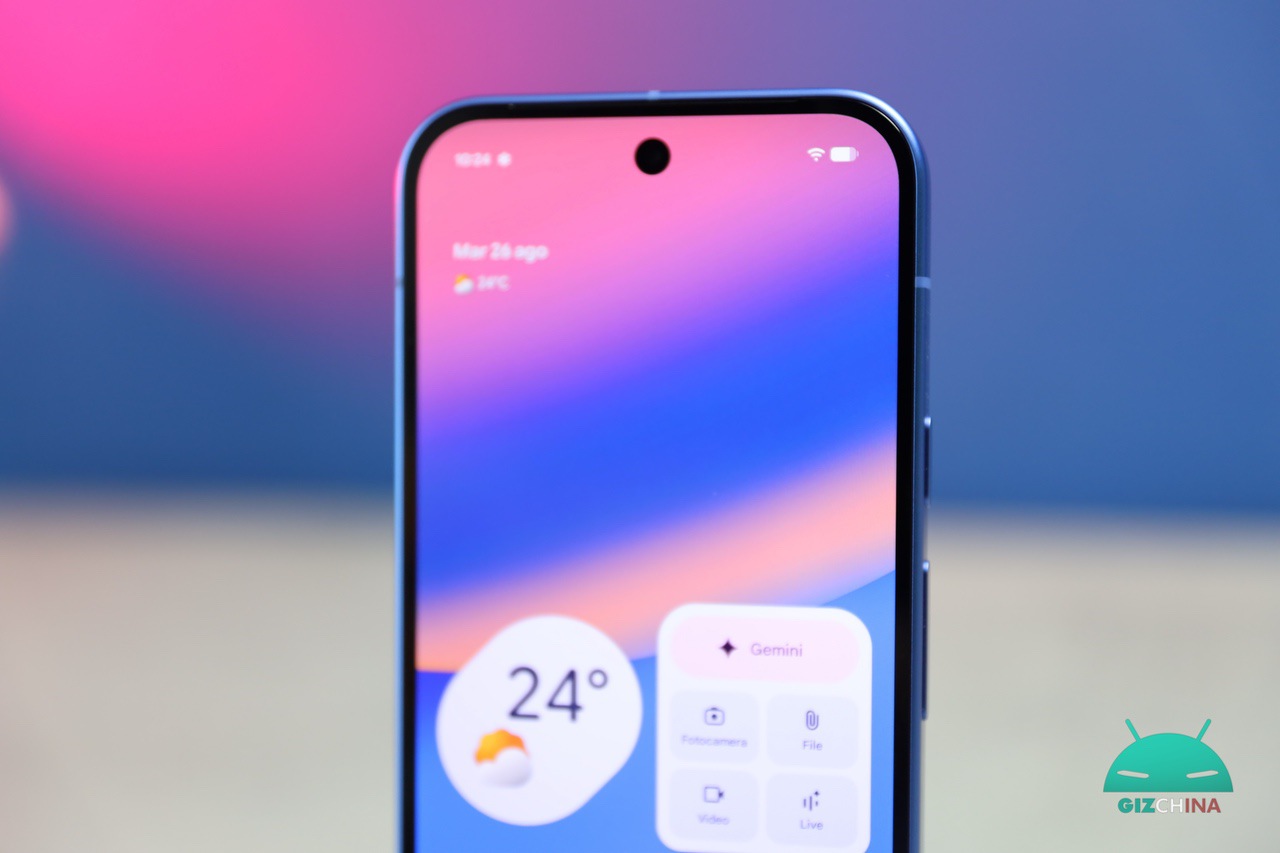
Since its debut in 2017 with the Pixel 2 and Pixel 2 XL, the Overview widget (internationally known as At a Glance) has represented one of the most distinctive and appreciated software elements of Google’s smartphones.
The original aim of Mountain View’s company was to make the device’s home screen more intelligent and proactive, offering essential information to the user without the need to constantly open the main Google Search app.
Over the years, this feature has evolved, integrating ever more complex alerts and tied to daily context, such as weather alerts, guidance on the ideal time to start a journey, and even real-time tracking of home deliveries.
Today, the capabilities of this tool take another step forward thanks to the introduction of two new highly dynamic thematic categories: Sports and Finance.
At a Glance gains new features related to sports and finance

This integration seems entirely natural for the type of service offered, given how sports data and stock quotes change rapidly and require immediate consultation.
Regarding sports updates, the system interface warns users that activation could have a slight impact on battery life, given the frequency of background data exchanges to keep scores in real time.
The selection of teams to follow occurs through the same interface already used to refine navigation preferences and the Discover page, ensuring a highly consistent user experience.
On the financial front, however, a dedicated link directs the user directly to their Google Finance watchlist, allowing selective addition or removal of the specific stocks they want to monitor constantly directly from the home screen.
Greater customization of the interface
Alongside enriching the proposed content, the company has decided to listen to a specific user segment that requested a greater control over customization of their interface.
For the first time since its official release, the ability to completely disable the widget has been introduced.
The procedure simply requires a long press on the graphic element to access the settings, where there is a dedicated switch for the permanent shutdown of the feature.
This concession finally offers the maximum freedom of choice to those who prefer a completely clean home screen or wish to replace the default module with third-party alternatives.
For those overwhelmed by the volume of notifications, there remains the option to opt for a middle ground, by disabling only specific alert categories directly from the preferences menu and keeping only the notifications deemed truly indispensable.
The new categories dedicated to sports competitions and market trends, together with the renewed options for managing and removing the widget, are expected to make their official debut in conjunction with the upcoming software update for Google Pixel, scheduled for the first weeks of the coming month.

