


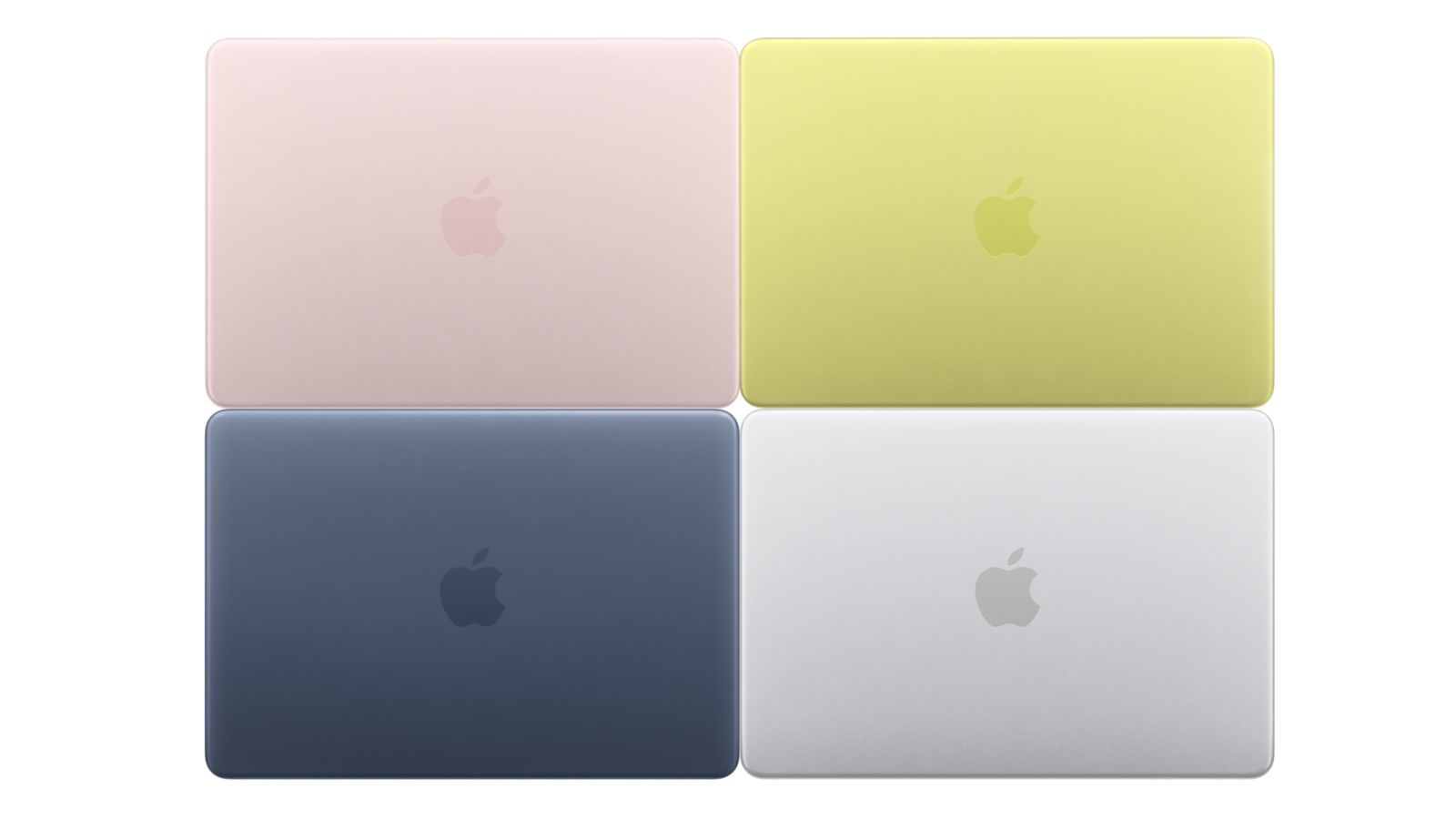
The new MacBook Neo has brought a breath of fresh air to the Apple ecosystem, not only for the competitive price but also for its colorful aesthetics. The design is perfectly coordinated with new tones and specific color accents, but these are exclusive software customization options. However it is possible to try these colors also in the UI of other Macs thanks to a simple free application.
There’s an app that lets you set the MacBook Neo UI colors: here’s how it works

Although macOS natively includes accent color options limited to specific terminals — such as the iMac and, indeed, the new MacBook Neo — the community of independent developers has already found a solution. Through a free application called Accents, created by developer Mahdi Bchatnia, it is now possible to unlock these exclusive shades on any Apple computer.
The app allows access to that color palette that the OS usually hides if it does not detect the presence of the specific model, giving anyone the possibility to experiment with the vibrant aesthetic of MacBook Neo.
In addition to the color accents for menus and icons, the budget-friendly laptop has introduced a series of new coordinated wallpapers, but in this case Apple has planned to officially include them in the next macOS 26.4 software update.
Returning to the application, Accents is downloadable for free via the developer’s site: just download and open the app to access a wide range of color options for the interface of your Mac.

