


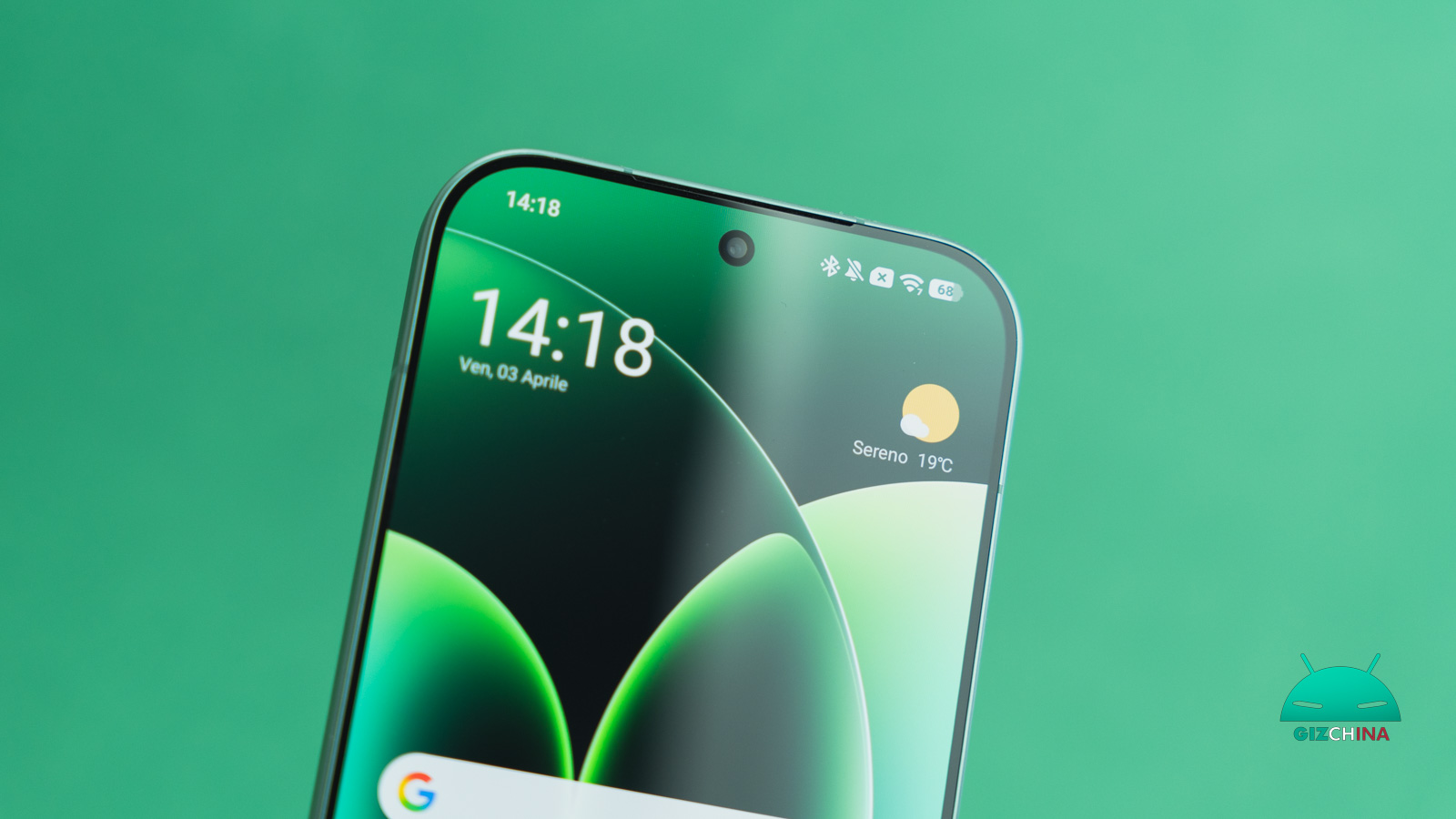
If you own a smartphone Xiaomi, Redmi or POCO with HyperOS, you may have noticed a WhatsApp message, a work email, or an app notification only after turning the screen back on, perhaps ten or twenty minutes later than when it actually arrived.
It is one of the most frequent reports among people switching to Xiaomi from another brand, and it also happens to those who have had a device from the brand for years and never experienced this problem before an update.
The good news is that almost always this isn’t a serious issue, but a system behavior that can be corrected in just a few minutes.
Notifications Not Arriving on Xiaomi HyperOS: Why It Happens

HyperOS, as MIUI did before, automatically applies fairly aggressive energy-saving policies to apps that the system considers “not a priority” — i.e., those you don’t open often or that, according to the internal algorithm, don’t deserve to stay active in the background.
The practical result is that the app is paused when you’re not using it, and notifications are grouped and delivered all at once only when you reopen the phone, instead of arriving in real time as they should.
It’s a trade-off designed to extend battery life, but in daily use it ends up penalizing precisely the apps you use most for communication.
How to Fix, Step by Step
The problem is addressed on several levels, and it’s worth going through them all in order to be sure nothing is left halfway.
<!– wp:yoast/how-to-block {"steps":[{"id":"how-to-step-1786629357949","name":"Enable auto-start for important apps","text":"Go to Settings > Apps > Background auto-start, select the app you care about (for example WhatsApp or your mail app), enable the check. Without this permission, HyperOS may close the app in the background as soon as you leave it, even if you used it a minute earlier: this is often the main cause of delay.”,”jsonName”:”Enable auto-start for important apps”,”jsonText”:”Go to Settings > Apps > Background auto-start, select the app you care about (for example WhatsApp or your mail app), enable the check. Without this permission, HyperOS may close the app in the background as soon as you leave it, even if you used it a minute earlier: this is often the main cause of delay.”,”images”:[]},{“id”:”how-to-step-1786629369185″,”name”:”Disable energy saving for the app”,”text”:”Go to Settings > Apps, select the app you care about and then click on Power. Scroll and look for the Energy saving option and set the option to No restrictions instead of Energy saving. It makes sense to do this only for apps you really use to communicate; you don’t need to apply it to the whole phone: in fact, doing it for too many apps defeats the overall energy savings, so it’s better to be selective.”,”jsonName”:”Disable energy saving for the app”,”jsonText”:”Go to Settings > Apps, select the app you care about and then click on Power. Scroll and look for the Energy saving option and set the option to No restrictions instead of Energy saving. It makes sense to do this only for apps you really use to communicate; you don’t need to apply it to the whole phone: in fact, doing it for too many apps defeats the overall energy savings, so it’s better to be selective.”,”images”:[]},{“id”:”how-to-step-1786629370402″,”name”:”Lock the app in the recent apps screen”,”text”:”Open the recent apps screen, locate the app you’re interested in and drag the icon in the top-right corner of the app card downward to lock it: a small lock will appear. This prevents the system from terminating it when it frees memory in the background, another moment when HyperOS tends to quietly close open apps.”,”jsonName”:”Lock the app in the recent apps screen”,”jsonText”:”Open the recent apps screen, locate the app you’re interested in and drag the icon in the top-right corner of the app card downward to lock it: a small lock will appear. This prevents the system from terminating it when it frees memory in the background, another moment when HyperOS tends to quietly close open apps.”,”images”:[]},{“id”:”how-to-step-1786629371518″,”name”:”Check the notification settings inside the app itself”,”text”:”It’s worth also checking inside the app (for example WhatsApp > Settings > Notifications) that push notifications are actually active and that there are no further restrictions set on the app side, perhaps without you remembering.”,”jsonName”:”Check the notification settings inside the app itself”,”jsonText”:”It’s worth also checking inside the app (for example WhatsApp > Settings > Notifications) that push notifications are actually active and that there are no further restrictions set on the app side, perhaps without you remembering.”,”images”:[]},{“id”:”how-to-step-1786629373368″,”name”:”If the problem persists”,”text”:”If after these steps the delay continues, try first removing and reinstalling the app: sometimes it’s enough to resolve a permission that had been “stuck” inappropriately. If it doesn’t work, check if an HyperOS update is available: newer versions have progressively made the default energy saving less aggressive, so a problem like this on an older version may already have been fixed in a later release. You can find the version calendar and the most recent updates in our section dedicated to HyperOS.”,”jsonName”:”If the problem persists”,”jsonText”:”If after these steps the delay continues, try first removing and reinstalling the app: sometimes it’s enough to resolve a permission that had been “stuck” inappropriately. If it doesn’t work, check if an HyperOS update is available: newer versions have progressively made the default energy saving less aggressive, so a problem like this on an older version may already have been fixed in a later release. You can find the version calendar and the most recent updates in our section dedicated to HyperOS.”,”images”:[]}],”defaultDurationText”:”Time required:”} –>A Common Problem
If you have noticed this behavior, you are not alone: it’s one of the most reported issues by Xiaomi users who switched from MIUI to HyperOS, and the same battery-management mechanism underlies other seemingly unrelated behaviors, such as delays in calendar synchronization or alarms set by third-party apps. Understanding this mechanism once helps you solve more problems at once, not just the notification issue.
To explore how Xiaomi manages battery life more broadly, and understand when it’s worth being more permissive with an app and when not, also read our guide on how to optimize battery and endurance on HyperOS.
Frequently Asked Questions
HyperOS applies energy saving differently based on how you use each app and how it behaves in the background: an app that sends many push notifications in the background is classified as more “at risk” than an app you use rarely.
A little, but if you do it only for the two or three apps you really use to communicate, the impact on overall battery life is minimal compared to the benefit of receiving notifications on time.
Have other problems with your Xiaomi? Write to us in the comments or reach us on our Telegram Group for a direct discussion with the GizChina.it editorial team and other users!