


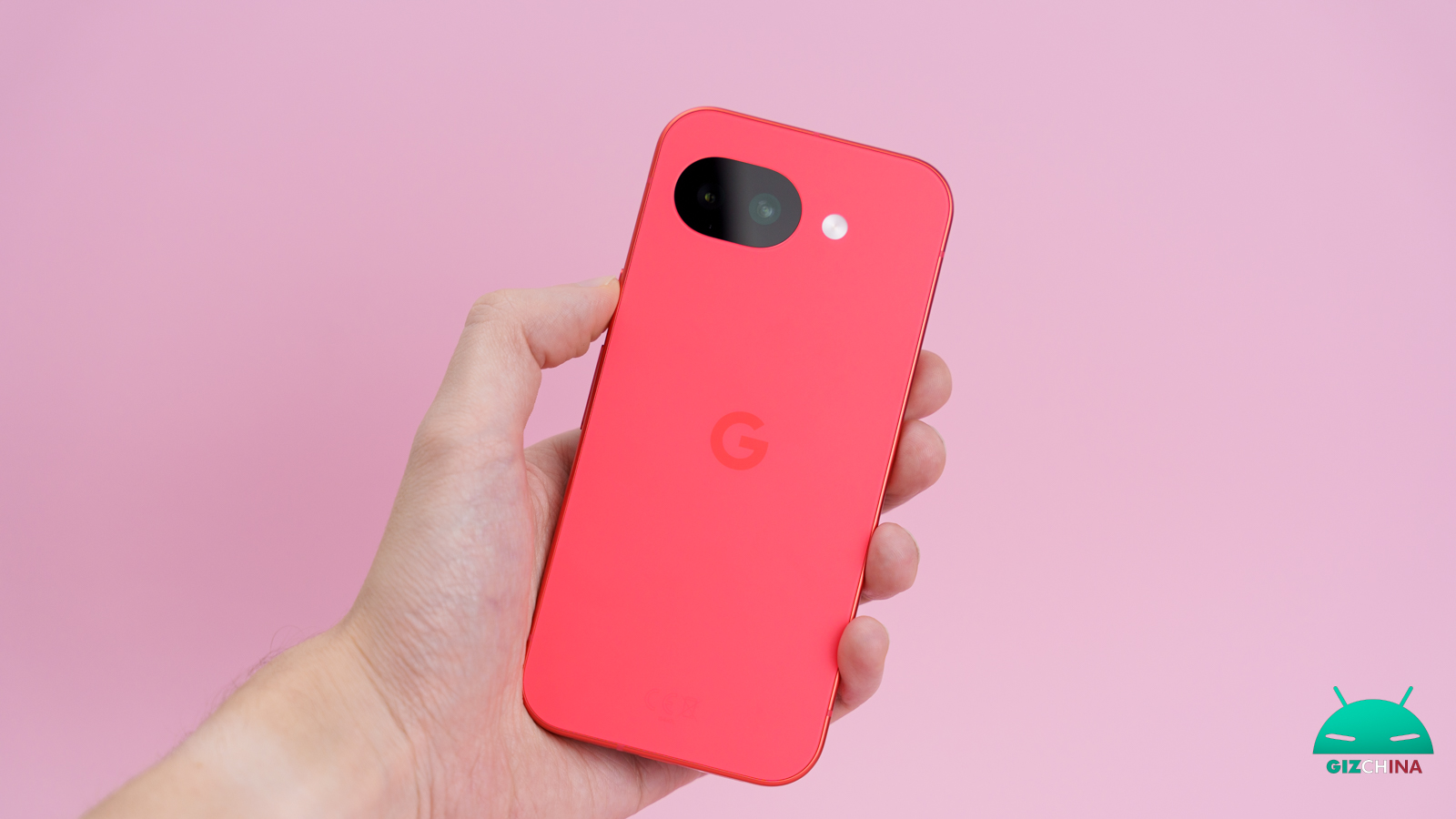
Google’s smartphones have long offered sophisticated software tools to filter unwanted communications and block spam calls.
Yet, in recent weeks, several owners of Pixel smartphones are experiencing a decidedly frustrating issue: the phone ends up hiding even important calls.
The device, in fact, seems to ignore the audio profile settings, remaining completely inert to the arrival of a call even though the vibration mode is regularly activated.
Calls come in but the Pixel doesn’t vibrate, the fix for the bug

Reports are multiplying across various forums and discussion platforms like Reddit. The malfunction pattern described by users is almost always identical: the smartphone emits no haptic feedback when receiving a call, leaving the owner unaware of anything until the missed call notification appears.
In one specific case, a Pixel 8 Pro owner noticed that the system displayed the silent mode warning as activated, even though vibration was on and there was no automation rule running. This scenario, combined with dozens of testimonies from users of other models in the range, strongly points to a software bug linked to a recent update, ruling out consumer slips as a cause.
Fortunately, the online community has already identified some procedures capable of restoring proper operation of the haptic motor.
A first step requires delving into the settings of individual applications, an area often overlooked. Specifically, you should go to the Phone app section, access notification management and verify that vibration is explicitly enabled in that submenu for incoming calls.
This level of customization sometimes seems to overwrite Android’s general preferences, causing the annoying issue.
A second and more curious trick concerns the fine-tuning of the vibration intensity. Several users managed to solve the problem by entering the audio menu and lowering the vibration slider for the ringtone, then raising it again, taking care not to raise it to maximum.
An online post reports a supposed direct communication from Google Support, which would suggest keeping this parameter between 75% and 80%, avoiding the exact 100%.
These unofficial guidelines also advise disabling adaptive vibration and quickly toggling the Do Not Disturb and Sleep modes. This sequence would help unlock a possible ghost state of the operating system that continues to inhibit physical notifications even when it shouldn’t.
Waiting for an official fix
At the moment, Google has not released any formal statement confirming the presence of this bug. However, the official Pixel community account is actively engaging with affected people, inviting them to provide more details via direct messages to allow for thorough investigation.
Until a corrective patch is distributed, the attempts proposed by the community represent the only viable paths to take on their own.
Although there is no guarantee of success for everyone yet, as demonstrated by a user whose support finally recommended a factory reset, it’s certainly worth exploring the dedicated menus before resorting to wiping all data.

