


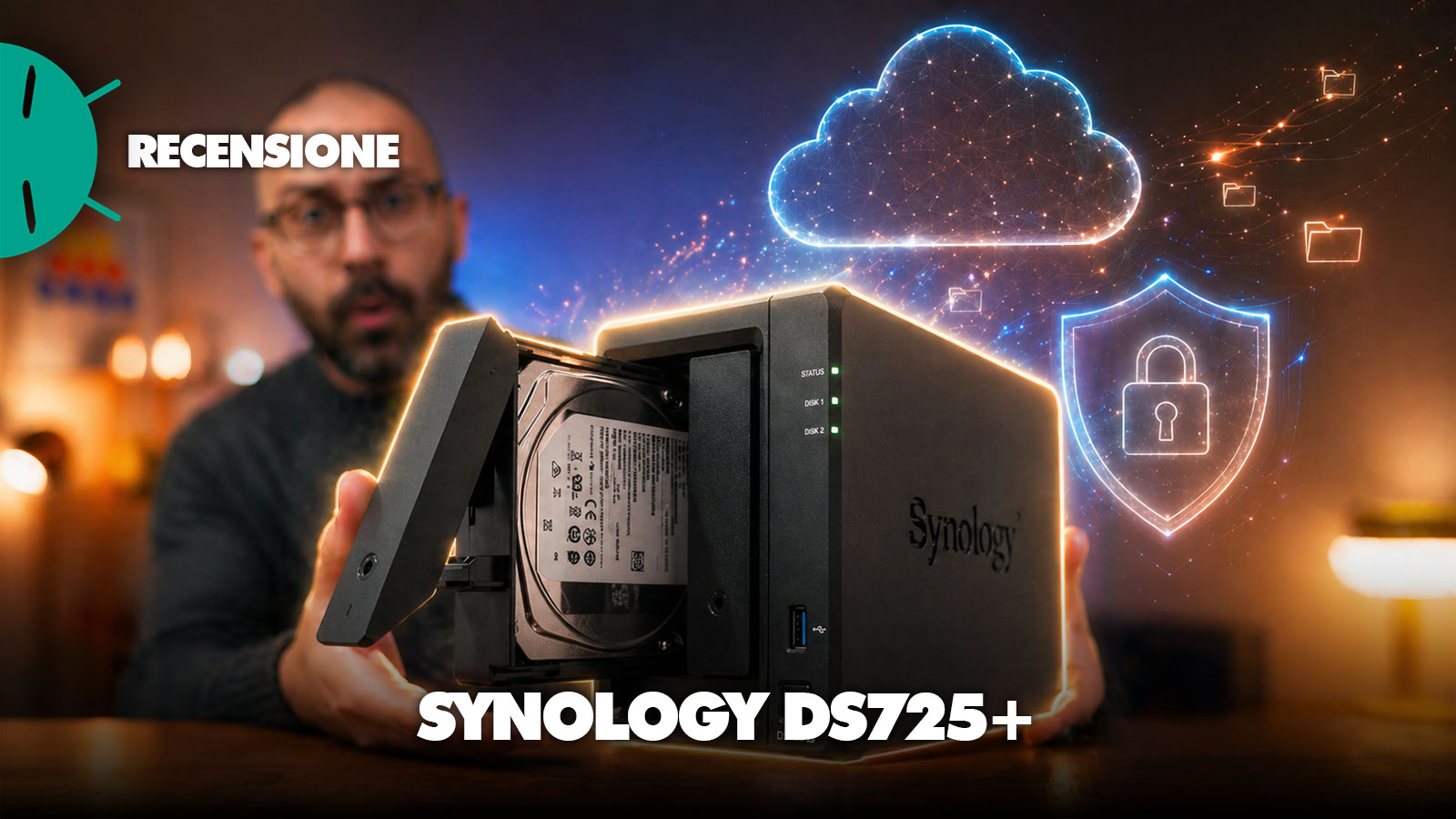
In recent times we’ve been broadening our review horizons, trying to go a little beyond the patterns of our classic products. Personally, it had been a long time since I felt the need to refresh my NAS, and no, I don’t mean plastic surgery on my poor nose, but I’m talking about my personal data storage system in the office.
Thus we decided to select, among many, the Synology DiskStation DS725+, a product that, although not exactly new, remains among the industry-leading company’s best-selling models, a product that doesn’t try to grab attention with an aggressive design or dramatic solutions, and is perfectly fine as is.
Synology DiskStation DS725+ Review
Design, build, and ports
As every good NAS that deserves its name, it is compact, sober and designed to disappear on the desk, in a studio or in a small office without drawing attention. The chassis maintains the classic Synology look, with a dark finish, clean lines and two front bays easily accessible for 3.5” hard drives or 2.5” units, while at the bottom there are space for the two M.2 NVMe slots, usable for cache or fast storage depending on the configuration.
The build conveys solidity, the drive sleds are practical and installing the disks remains within reach even for those without extensive NAS experience. At the rear, however, the dual nature of this model emerges: on one hand there is finally a 2.5GbE LAN port, paired with a second Gigabit, on the other you can feel the lack of more ambitious connectivity, especially since there is no PCIe slot for a potential upgrade to 10GbE.

Completing the picture are a USB-A 3.2 Gen 1 port and a USB-C dedicated to expansion with the DX525 unit, which allows the DS725+ to grow to seven bays in total. In short, it’s an essential but well-finished NAS, with a form factor that’s perfect for those who want to start light and keep a growth path open, even if Synology’s approach to ports is more conservative than truly generous.
Installation and initial setup
The installation of the Synology DiskStation DS725+ confirms one of the historic strengths of the Synology ecosystem: even when the hardware starts speaking to a more technical audience, the process remains guided, clean and hardly intimidating. The two front bays allow quick mounting of 3.5” hard disks without tools, while for 2.5” units the classic screws are included in the package. The M.2 NVMe slots, located at the bottom of the chassis, are easily accessible by flipping the NAS and can be used to create SSD caches or, with compatible units, high-performance storage volumes. Expanding memory is also fairly simple: the DS725+ ships with 4 GB of DDR4 ECC RAM, but can go up to 32 GB, a point not to be underestimated if you plan to use the NAS not only as a network storage, but also for more advanced services, containers, multiple backups or collaborative apps.

Once the disks are installed and the NAS is connected to the network, the setup is performed via find.synology.com or the Synology Assistant, which detects the device and starts the DSM installation, the company’s operating system. The procedure is linear: you create the administrator account, define the basic settings, configure the storage pool and choose the file system. By default Synology pushes toward Btrfs and Synology Hybrid RAID, a sensible combination for most users because it offers good flexibility in space management, snapshots, data protection and easier maintenance over time. Those who prefer a more traditional approach can still opt for standard RAID configurations, such as RAID 1 on the two internal disks, or ext4 as the file system. It’s also interesting to be able to set volume or shared folder encryption right from the start, an important detail especially in professional environments where the NAS can become the central hub for company documents, backups and sensitive files.


From a networking standpoint, it’s important to connect the DS725+ to the right port: the 2.5GbE LAN is the one to use as the main link, while the second Gigabit port can be used for failover, traffic separation or link aggregation in contexts where the switch allows it. We’re not looking at a banal plug-and-play setup if you really want to push the NAS, because to get the most out of it you need a coherent network: switches, cables and clients must support at least 2.5GbE. That said, even without particularly complex interventions, the DS725+ becomes operational quickly and immediately delivers that typical Synology feel: few frills in the initial phase, but plenty of options ready when you decide to go deeper.
Performance and Software
On the performance front, the Synology DiskStation DS725+ should be read for what it is: a two-bay compact NAS designed to run well continuously, rather than chasing extreme numbers on a spec sheet. The AMD Ryzen R1600 dual-core processor is a solution already seen in the Synology ecosystem, so it isn’t a true generational leap, but it remains adequate for file management, backups, synchronization, small multi-user environments, light containers and basic business services.
The 4 GB of ECC RAM included out of the box are enough for classic use, but become the first upgrade to consider if you want to use the DS725+ as a more complete operating center, with Synology Drive, Office, backups, snapshots, some Docker/Container Manager services and more users connected simultaneously. In this scenario, the ability to reach up to 32 GB is important because it gives the NAS a real growth margin, especially in a small office where needs can change quickly.

The most evident performance limit isn’t so much the CPU as the network. The presence of a 2.5GbE port is a sensible step up from standard Gigabit, because it easily overcomes the bottleneck of old consumer NASes and allows faster transfers for large files, local backups and shared libraries. At the same time, though, Synology has chosen a somewhat prudent configuration: a 2.5GbE port paired with a second 1GbE, without a PCIe slot for a future 10GbE upgrade. Practically, the DS725+ can saturate a 2.5GbE network in sequential read with appropriate configurations, reaching roughly 290/300 MB/s, but it cannot push beyond that. For many studios, creators, freelancers and small teams, that’s more than enough; those who work daily with heavy video editing directly from NAS, large datasets or many simultaneous users might feel a need for higher connectivity. The M.2 NVMe slots help mainly in scenarios with many repeated accesses, small files or more connected users, but they shouldn’t be interpreted as a magic wand: if the bottleneck is the network port, an SSD volume or an NVMe cache doesn’t turn the DS725+ into a 10GbE NAS. They’re more about making the system snappier, taking some load off mechanical disks and improving the experience when the load isn’t perfectly linear.

The real leap, however, comes from the software as usual. DSM remains the main reason a Synology NAS continues to make sense even when the hardware isn’t the most aggressive in its class. The interface is tidy, browser-accessible, but full of advanced tools: user and group management, granular permissions, shared folders, snapshots, backups, encryption, storage monitoring, notifications, remote access and a Package Center that turns the NAS into something far beyond a simple file container. Here the DS725+ becomes a small business server, suitable for centralizing documents, protecting data, creating backup copies and managing workflows without necessarily leaning on external cloud services. The turning point, when you buy a Synology product (and perhaps pay more for it), is exactly this: Synology doesn’t sell just hardware, but an ecosystem where local storage, collaboration and data governance coexist on the same machine.

And that’s exactly where the features Synology is pushing more come into play. Synology Drive is probably the most important app to understand the practical value of the DS725+: it works like a private cloud, but with the files physically stored on the NAS. It allows organizing personal data, team folders and shared content, syncing files between computers, accessing from smartphones and tablets, sharing links with dedicated permissions and maintaining version control. For a small studio or newsroom like ours, it means having an alternative to Google Drive, Dropbox or OneDrive, but with a substantial difference: data remains under your control, on local storage, not fully dependent on paid cloud space or external policies or ongoing and unjustified price hikes. Synology emphasizes exactly this approach: centralized file management, secure internal and external sharing, and cross-platform work, with Drive as the base of the private enterprise cloud.

Drive naturally connects with Synology Office, which adds editable documents, spreadsheets and presentations directly in the browser. We’re not facing a suite designed to fully replace Microsoft 365 or Google Workspace in every context, especially if you work with very complex workflows or vertical integrations, but for many small and mid-sized teams it’s a surprisingly concrete solution. You can create and edit documents collaboratively, comment, work on shared files, import and export common formats and maintain a version history. The most interesting advantage is that collaboration happens within your private cloud, thus with tighter control over access, permissions and data retention. Moreover, Synology Office is included on compatible models without additional licensing costs, a detail that weighs a lot when thinking in business terms and not only as tech enthusiasts.
The Synology Office Suite further expands the discussion, because it isn’t limited to file handling: the idea is to build a local productivity environment where Drive, Office, MailPlus, Calendar and Chat can work together. For those who want to reduce dependence on Google, Microsoft or Apple cloud, the message is clear: documents, communications and collaboration can live on a private infrastructure, managed in-house or in the office, with features like secure shared links, access controls, multi-version file history and data-protection tools. It’s not a solution for everyone: it still requires some management, well-planned backups and attention to security. Yet for small businesses, professional studios or creative teams seeking more control and predictable costs, the DS725+ becomes a highly interesting base. Synology speaks of an on-site suite to collaborate in real time, securely share files and maintain full control over corporate data, without needing to purchase traditional cloud licenses.

The most current novelty is the integration with AI via Synology AI Console and the AI functions of the productivity suite. Here Synology has chosen a path different from the classic “let’s put a chatbot everywhere”: AI is not presented merely as a creative shortcut, but as an IT-managed tool. The platform can integrate with providers like OpenAI, Azure OpenAI, Amazon Bedrock, Google AI Studio and Google Vertex AI, as well as services compatible with OpenAI APIs, leaving freedom on which model to use. The practical functions are those you’d expect from a modern suite: writing support, correction, translation, summarization, generation of formulas in spreadsheets and contextual answers based on files in Synology Drive.
The most interesting part, however, is control: administrators can enable AI per package, limit access to users or groups, manage tokens and set usage limits to keep costs in check. Even more important, Synology provides de-identification mechanisms to locally mask sensitive data before sending it to external AI providers, with masked data restoration after processing. It’s a very coherent approach with the private cloud concept: use AI, yes, but don’t forget privacy, governance and budget.
In daily use, then, the DS725+ convinces not because it is the most powerful NAS in its range, but because it manages to combine reliable performance, good expandability and an extremely mature software ecosystem. It’s fast enough for backups, centralized storage, document collaboration, multi-device synchronization and small professional environments; it’s less suited for those seeking a heavy desktop video-editing NAS over a 10GbE network or for very intensive workloads. The impression is that Synology chose stability over the wow factor: conservative hardware, but a complete, polished software stack increasingly oriented toward productivity.
Price and considerations
So we reach the most delicate point: the price. The Synology DiskStation DS725+ is positioned around 500 euros, a figure to consider without included disks. This means that on top of the NAS cost you’ll need to add at least two hard drives, preferably NAS-grade and built for continuous operation, pushing up the final spend significantly. Looking at it purely as hardware, the DS725+ isn’t a cheap product: it’s still a two-bay with a CPU already seen, 4 GB of RAM out of the box, a single 2.5GbE port and no upgrade path to 10GbE. Those evaluating the product solely by the number of ports, raw power or euro-to-spec ratio might find more aggressive alternatives, especially from brands that push hard on the technical spec.
The story changes, however, when you look at the full package and the company knows it (and I know it too, since I adopted it for personal use). Synology doesn’t just sell a disk enclosure, but a software ecosystem that has a tangible impact on the day-to-day experience. DSM remains one of the most complete and accessible platforms in the industry, and applications like Synology Drive, Office, Active Backup, Snapshot Replication and the collaboration tools turn the DS725+ into a small business server ready to use. For a freelancer, a creative studio, a small office or a micro‑enterprise, this can mean centralizing files, backups, shared documents and workflows without having to multiply cloud subscriptions or rely on external services. And with the arrival of AI features in the productivity suite, Synology also tries to add a more modern layer to document management, while still keeping a strong emphasis on data control.
The DS725+ therefore makes sense especially for those seeking reliability, ease of management and growth over time. The ability to expand RAM, use NVMe SSDs for cache or compatible storage and connect the DX525 unit to reach seven bays makes it more flexible than the compact form factor would suggest. It isn’t the NAS to choose if the main goal is the fastest possible network, nor if you already operate in an environment where 10GbE is essential. But for those who want to build a solid private cloud, with productivity, sharing, backups and collaboration tools integrated, the price becomes easier to justify.
I link di acquisto presenti in questo articolo generano una piccola commissione per GizChina.it. Scopri tutti i dettagli qui.
Se non visualizzi correttamente il box qui sotto, prova a disattivare AdBlock.
⭐️ Scopri le migliori offerte online grazie al nostro canale Telegram esclusivo.
