


Nothing is going through a particularly positive period, driven by the strong sales of the recent Nothing Phone 4a Pro, which surpassed the company’s internal expectations.
Taking advantage of this moment of strong expansion, the company has decided to make public a tool born initially for the exclusive needs of its own employees.
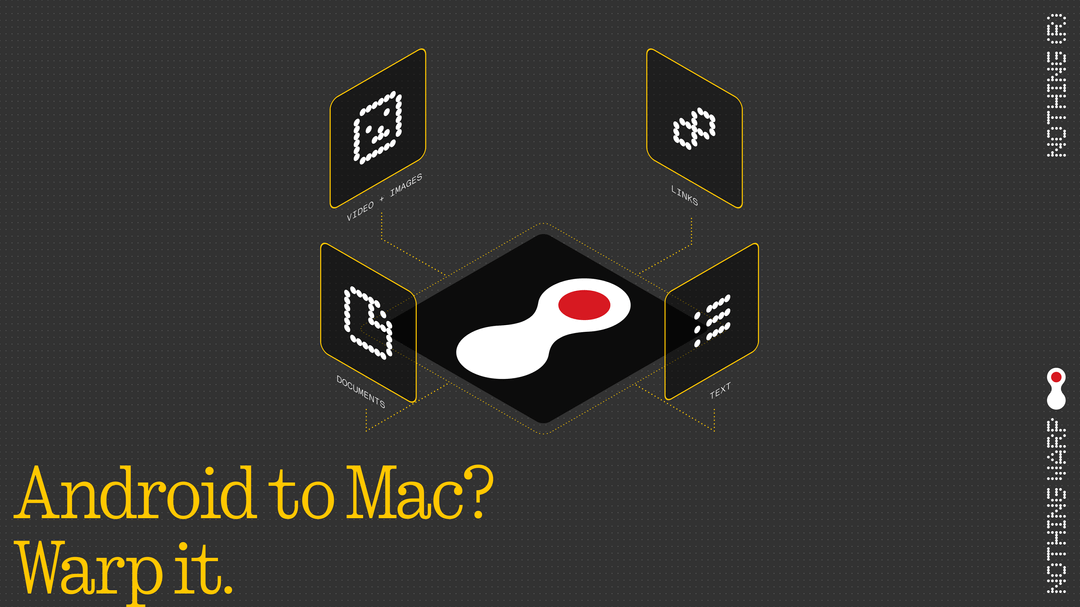
This is Nothing Warp, a new application developed to facilitate the transfer of files, copied texts, links and images between Android devices and desktop or laptop computers, whether they run the Windows, macOS or Linux.
Nothing Warp is the cross-platform file sharing tool

To be able to use the service, users must set up the system on two fronts. On the mobile side, it is essential to download the dedicated application from the Google Play Store, available for Android smartphones and tablets.
On the computer side, instead, the platform relies on a very lightweight extension for the Google Chrome browser, installable via the Chrome Web Store.
The actual link between the two machines occurs by logging into the same Google account on both devices.
Once the initial setup is complete, Nothing Warp inserts itself into Android’s native sharing menu. You simply need to select the desired file on the smartphone and send it to the application to see it appear promptly on the computer’s browser extension.
The role of Google Drive
The most interesting aspect of Nothing Warp concerns its network infrastructure. The application does not rely on proprietary servers developed by Nothing, but directly uses the Google Drive storage space associated with the user’s account.
On one hand, this approach protects privacy, as Nothing does not store nor has any access to the transmitted data. On the other hand, it raises a practical question: why use intermediary software if you are simply uploading a file to a personal cloud space?
The answer lies in optimizing some tedious procedures. For example, the system bypasses the automatic compression into ZIP files that Google Drive typically applies when multiple items are downloaded simultaneously.
Above all, to avoid saturating the available space with documents that are now obsolete, the application automatically deletes files from Drive as soon as the local transfer is successfully completed.
Privacy and market alternatives
Although the use of Google Drive ensures data security compared to unknown servers, the Nothing Warp browser extension requires fairly extensive system permissions. This factor could lead privacy-conscious users to prefer different sharing methods.
The application works correctly on any Android smartphone, not limited to Nothing-branded devices, which represents an undeniable advantage in terms of overall usability.
However, there are already entrenched and highly efficient solutions to perform the same operation, such as Google Quick Share for transferring files between Android and Windows (and in some cases Mac and iPhone). Concurrently, Nothing had previously announced the arrival of compatibility between Quick Share and AirDrop on its devices to facilitate dialogue with Apple’s macOS and iOS ecosystem, a feature that is still awaited.
Today Nothing Warp presents itself as a project in its early stages, dedicated to the community of enthusiasts, with future development that will be strongly guided by direct user feedback.

