


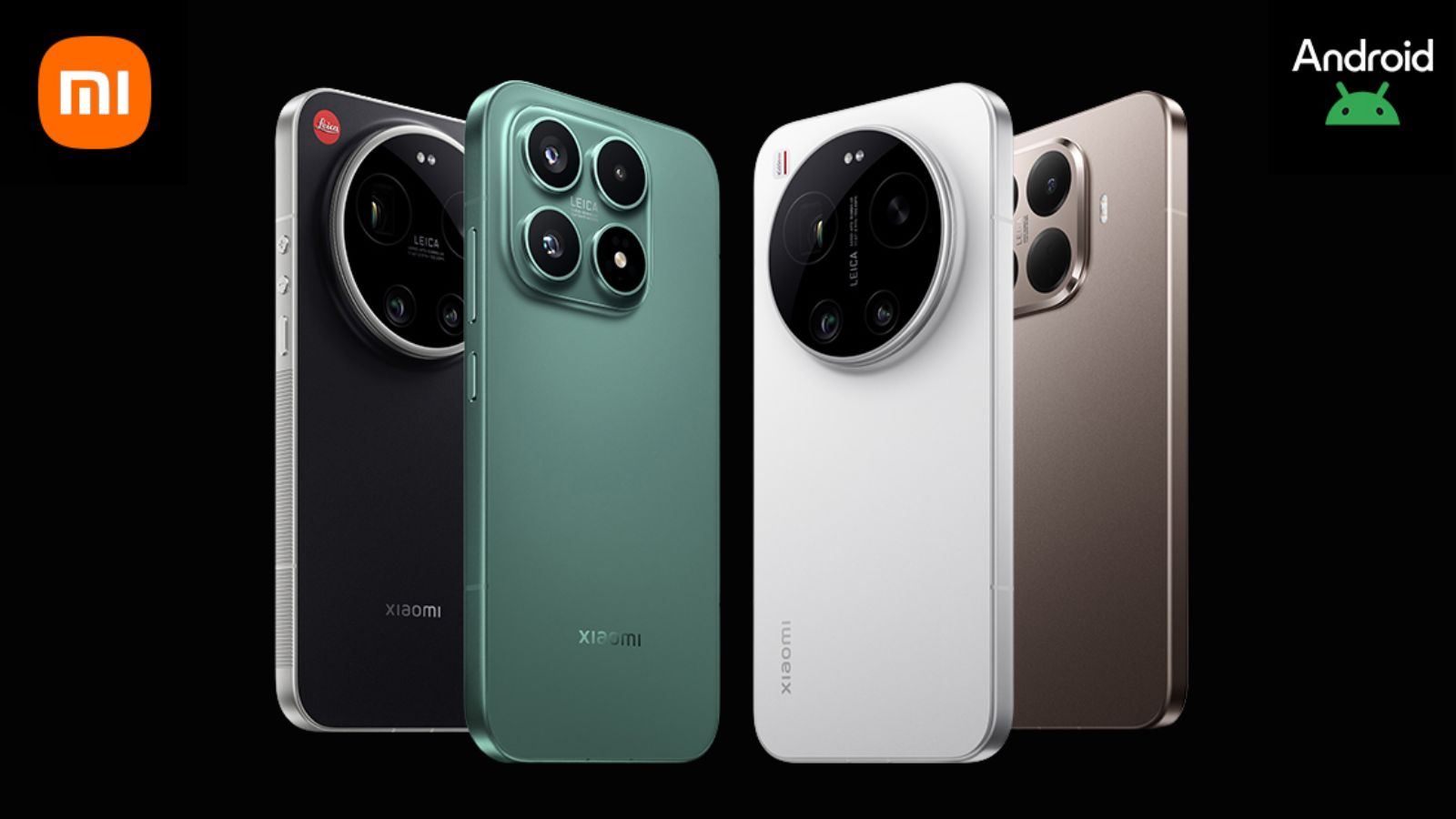
During Google’s I/O event in May, the American company will unveil all the details of the next version of the Android OS. In the meantime, several beta versions have been released, allowing you to preview the software’s new features. Now some smartphones Xiaomi can also install Android 17: the first beta has been published by the Chinese company for 4 devices, although for the moment it is intended for a particularly expert audience (since we are talking about Global releases).
Xiaomi has released the first Android 17 beta: here are the smartphones supported in the initial phase

At the moment, Lei Jun’s company has announced the opening of the Developer Preview Program only for the latest flagship smartphones in the Xiaomi 17 series. The sole exception is Xiaomi 15T Pro, the mid-range flagship of the previous generation.
- Xiaomi 17
- Xiaomi 17 Ultra
- Xiaomi 15T Pro
- Leica Leitzphone powered by Xiaomi
As usual, this is an experimental version, and consequently it is possible that stability issues may occur. For this reason, the installation is recommended only for developers and advanced users, and not for everyday use.
Additionally, for the moment the Android 17 beta is downloadable only for Global models – EEA/EU models are excluded, unless you first unlock the bootloader and install a ROM different from the original. Before proceeding with the beta upgrade, Xiaomi recommends starting from the most recent software versions, namely:
- Xiaomi 17: OS3.0.301.0.WPCMIXM
- Xiaomi 17 Ultra and Leica Leitzphone powered by Xiaomi: OS3.0.9.0.WPAMIXM
- Xiaomi 15T Pro: OS3.0.11.0.WOSMIXM
How to install Android 17 Beta on Xiaomi (GLOBAL)
The ROM installation procedure is very simple, but again note that these files are for Global software versions. We provide a step-by-step guide purely for informational purposes:
- Download the ROM
- Copy the ROM to the smartphone’s internal storage
- Open Settings > About phone > System update
- Click on Menu (…) > Select update package
- Select the ROM and confirm

