


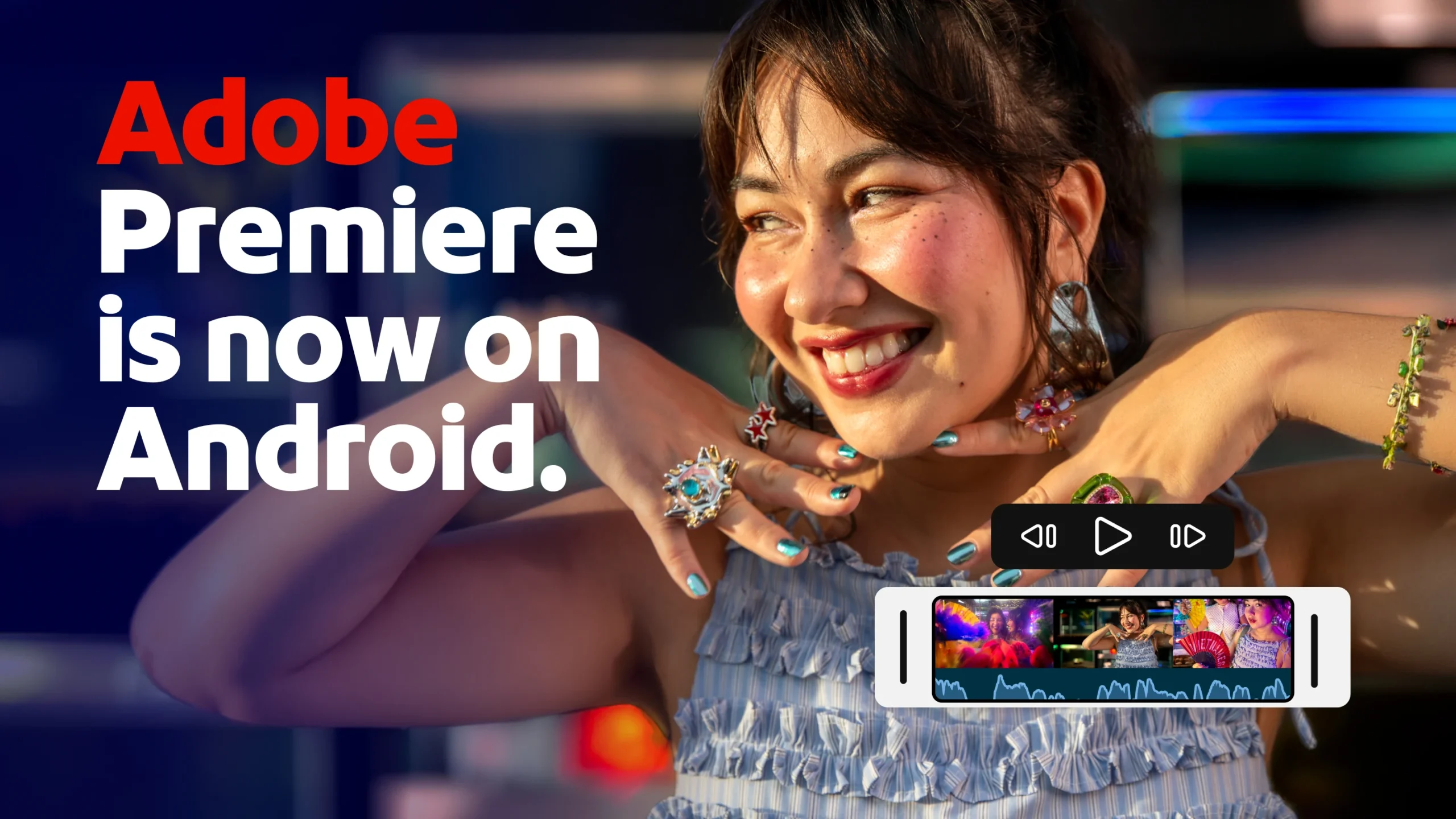
Content creators, streamers and all enthusiasts now have access to a new and powerful tool for editing videos on their smartphones.
After about a year of exclusivity for iPhone users, Adobe has decided to expand the accessibility of its video editing software Premiere, bringing it to the Google Play Store.
The most interesting aspect of this launch is that the application is almost entirely free and offers a package of advanced features without mandating subscriptions, watermarks on exported videos or intrusive ads.
Adobe Premiere is free on Android, here are features and requirements
Adobe Premiere has finally arrived on Android, and it’s free!The wait for Android users is over and the software is officially available for download. While digital stores are already rich with very good mobile editing options, such as CapCut, LumaFusion or LightCut, the arrival of a historic brand like Adobe greatly enriches the choice available to videographers.
The company has ensured that this Android version guarantees a user experience comparable to the one already established on iOS devices. The release policy is particularly user-friendly: there is no obligation to sign in forcibly to start using the editor, nor will you be bothered by continuous requests to upgrade to paid versions.
Everything in the base package is available to anyone who wants to test their creativity.
The app doesn’t stop at the usual cutting operations; it offers a comprehensive suite of tools. Creators can manage their projects through a multitrack timeline, add effects to alter clip speed, apply color filters, and add music with ease.
There are also video templates created by other creators and direct integration for quick publication on platforms like YouTube Shorts.
What stands out most are the AI-powered features based on Firefly. With these generative tools, users can modify content using simple text commands via the fill feature, or create entire videos starting from individual still images.
Using these AI-specific features requires credits: a certain amount is provided free at the start, while for heavy use an optional purchase will be needed to recharge consumed credits.
That said, if you’re not interested in AI features, the app remains completely free.
Technical requirements and upcoming updates
To handle such complex algorithms locally, smartphone specifications play a crucial role. The app requires a smartphone updated to Android 13 or newer and equipped with at least 5 GB of RAM.
Users with compatible hardware will have a powerful tool at their disposal, free from the need to own an expensive Creative Cloud subscription.
The developers also plan releases of expansions in the near term. Among the most anticipated features are support for the entire catalog of Adobe Fonts, essential for creating graphics and overlaid text, and a dedicated function to transfer projects started on the smartphone directly to the desktop version of Premiere Pro, ensuring an excellent workflow.