


The arrival of a new software update often brings with it positive expectations for new features and performance improvements.
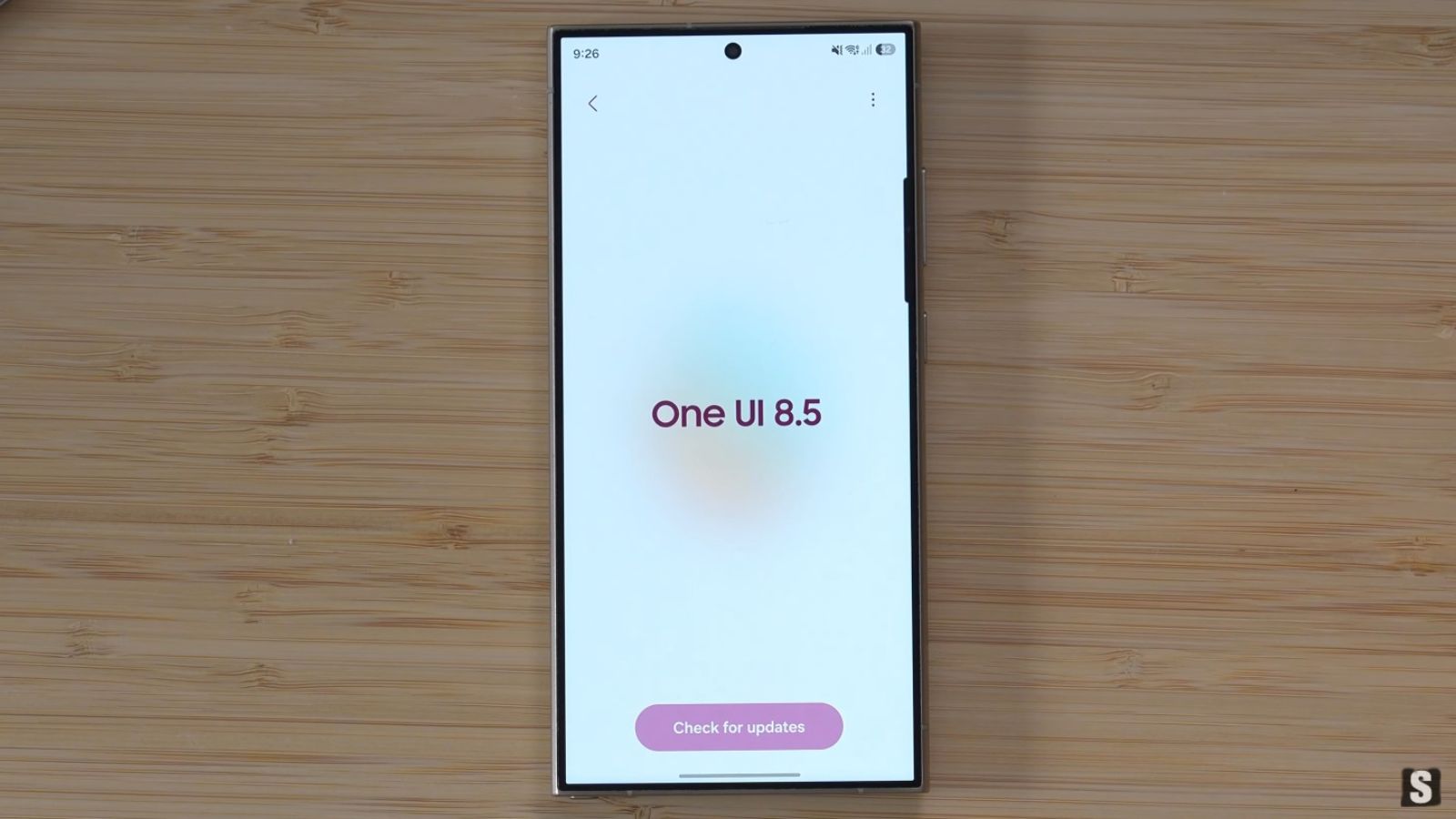
With the release of One UI 8.5, Samsung has introduced several new features and optimizations for its Galaxy smartphones and tablets, aiming to improve the overall user experience.
However, the evolution of the operating system has also entailed some trade-offs. The engineers of the South Korean company have indeed removed some long-standing options, altering how people interact with the default camera app.
Among the most discussed absences is the real-time video filters, a feature that was easily accessible and loved by several users in the previous version of the software.
One UI 8.5, Samsung removes the filters for video recording

Until One UI 8.0, Galaxy smartphone owners could apply creative filters directly during recording. The option was available by selecting the recording of videos at a resolution of Full HD at 1080p, with a frame rate of 30 or 60 fps.
With the transition to the stable version of One UI 8.5, this handy creative shortcut has suddenly vanished. The change has been confirmed by field testing on top-tier devices, including the Galaxy S25 Ultra, the Galaxy Z Fold 6 and the Galaxy Z Fold 7. On all of these devices, once compatible with real-time effects, the option is no longer visible.
The manufacturer’s silence does not help clarify the reasons behind the decision, as there have been no official communications on the matter. The absence of the feature even in the beta version of the upcoming One UI 9.0 suggests that the removal was intentional and not the result of a temporary error, triggering the discontent of several enthusiasts used to curating the aesthetics of their live-shot videos.
The mandatory path through post-production
For those who still want to customize the colors and mood of their footage, the only viable route today is to work post hoc. Filmmakers must first record the video in standard format and, at a later stage, import it into the device’s built-in editor, now known as Samsung Studio.
This tool offers 13 predefined filters. 8 more can be added, developed by Samsung itself and downloadable for free, as well as dozens of third-party packs available via the Galaxy Store.
This procedure inevitably lengths up the process and presents an evident technical trade-off related to file compression. Tests show that applying a filter through the proprietary editor drastically reduces the size of the original file during saving.
According to SamMobile, a 4K HDR 60 fps video with an initial weight of 467 MB, for example, undergoes a reduction to as low as 334 MB after processing, resulting in an inevitable loss of data that affects the visual quality of the original content.
The professional alternative for flagship devices
While the average user must settle for basic editing, owners of the latest smartphones have at their disposal much more sophisticated tools. The update has indeed enhanced the use of the Log format in combination with the Cinematic LUT profiles, accessible through the camera app’s Video Pro mode.
This technology, which made its official debut for the brand with the Galaxy S26 Ultra, allows capturing footage with an extremely flat dynamic range and color gamut, designed specifically to be processed subsequently without quality loss.
The LUT profiles can be applied to Log videos in two ways: using the smartphone’s built-in editor for an immediate result, or relying on professional desktop software such as DaVinci Resolve, thereby achieving an accurate cinematic render.
However, it is important to note a significant hardware limit: the ability to record in Log format remains an exclusive reserved for the Galaxy S24 series and newer models. This restriction excludes a large percentage of older devices from high-end creative workflows, leaving users facing the obligation to use Samsung Studio’s compression.