



Many users have found themselves analyzing how their device’s storage space is managed, often noting an unusually high memory usage by a single system component.
This is AICore, a term that for quite some time caused some confusion due to the lack of official information from the developing company, Google.
Recently, however, the company has provided the necessary clarifications, revealing a valid reason to justify this resource consumption.
Here’s why Google AICore takes up so much space
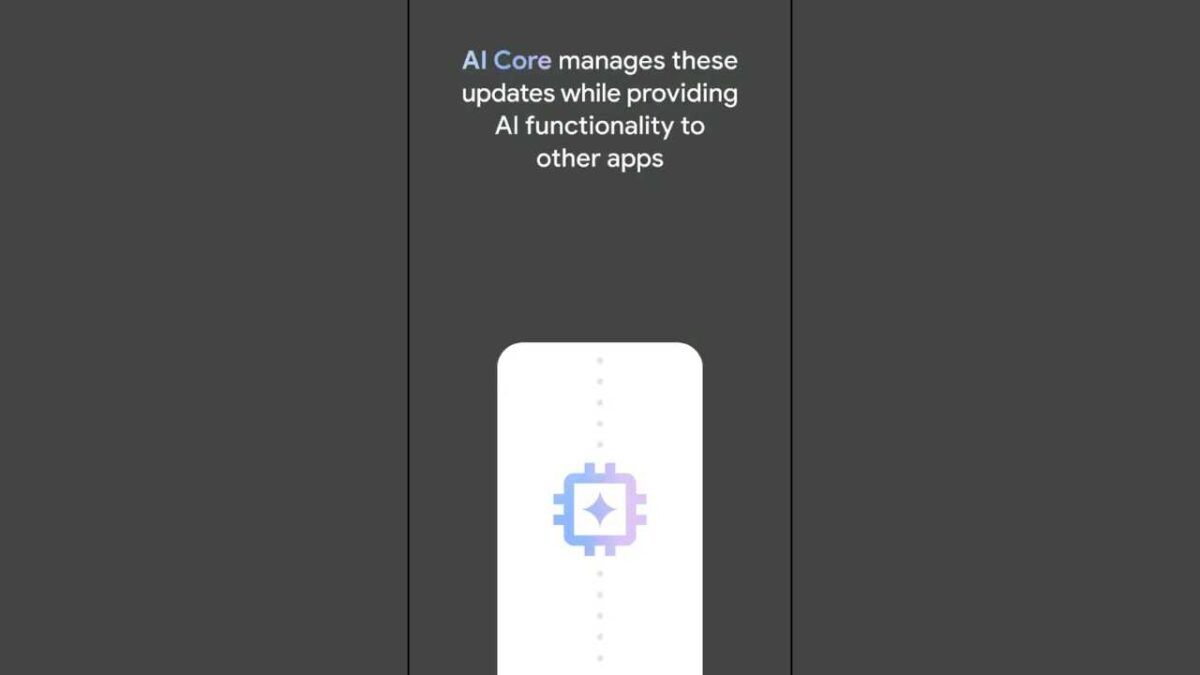
AICore represents the fundamental infrastructure introduced starting with Android 14 to manage on-device artificial intelligence. Thanks to the support of the Gemini Nano model, this architecture enables a wide range of advanced functions to run directly on the smartphone.
Among these are the generation of intelligent responses on messaging applications, the timely detection of potential fraud, real-time transcripts, grammatical correction, and summaries of audio files.
The great advantage of this approach is not having to send data to external servers: information remains physically inside the hardware, ensuring immediate response times and smooth operation even without an internet connection.
All this, however, requires downloading linguistic models that occupy several gigabytes.
The reason for the space usage spike
The issue that has confused the public the most concerns the sudden doubling of space occupied by this component.
Through a dedicated support document, the California-based company has definitively explained the dynamics. When an update for Gemini Nano is released, the operating system does not instantly delete the previous version.
On the contrary, the smartphone retains both the old and the new package concurrently for a maximum period of 3 days, inevitably leading to a temporary but noticeable increase in memory space.
A choice related to reliability
Behind this data accumulation lies a precise precautionary strategy to safeguard the user experience. Keeping the old version for a few hours acts as a real safety net.
In the event that the new model should show instability, bugs or general malfunctions after installation, the smartphone has the ability to instantly restore the previous package.
This mechanism avoids the consumer having to download again a huge amount of data from scratch, ensuring the continuity of all advanced functionalities.
The balance between privacy and memory
The decision thus seems entirely logical, although timely communication would have prevented not a few misunderstandings among end users. Local data processing remains an extremely valuable feature for privacy protection, especially at a time when most data processing occurs in the cloud.
Being able to use powerful tools during a flight or in areas with poor signal reception constitutes a huge practical advantage.
If, on one hand, the consumption of gigabytes is an inevitable compromise to obtain these performances, on the other hand Google’s current transparency operation finally provides the right context to a phenomenon that until today remained almost incomprehensible.

