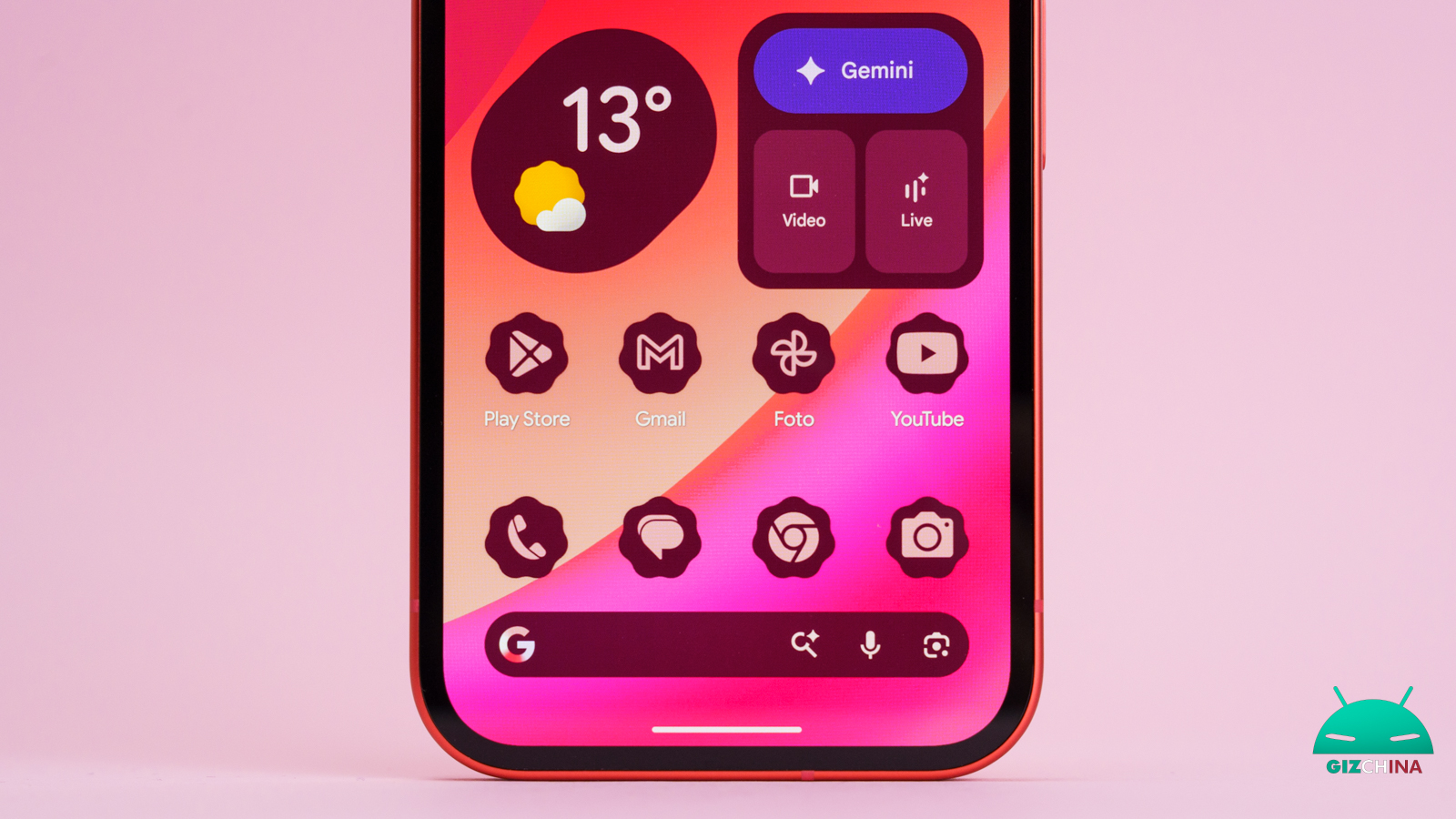
With the introduction of the design language Material 3 Expressive on board Android 16 QPR1, Google has kicked off a new graphical refresh of its ecosystem.
To maintain a strong stylistic coherence with the new guidelines for the operating system, Google is preparing a redesign of the icons belonging to the Workspace suite.
According to recent rumors circulated by the outlet 9to5Google, essential apps for daily use are preparing to shed the current visual style in favor of a much more modern aesthetic identity.
Google changes the icons of its apps, no more confusion

The main flaw of Google’s current icons has always been evident to users: a bothersome similarity that often confuses during quick on-screen searches.
Until today, a strict internal rule mandated the use of the four corporate colors on almost all logos, creating a not-so-practical amalgam.
The new images reveal a total abandonment of this restriction. Designers have chosen to give each application specific shapes, sizes and tones, ensuring immediate differentiation.
The new style makes generous use of shading and brightness effects, a stylistic choice already applied to apps like Gemini, Maps and Google Photos, specifically designed to reflect the presence of AI-powered features.
The new faces of the apps
Analyzing the individual apps, design choices emerge that are particularly clever. The Gmail icon, for example, undergoes only marginal changes: the classic envelope silhouette becomes slightly rounded and maintains red as the dominant color, preserving small hints of the other three corporate colors. This is a conservative decision, given that it is the suite’s most famous service.
In contrast, Google Meet stands out clearly from the past. The camera remains the central element, but the main color becomes surprisingly yellow. Google Chat follows a similarly radical renewal path, transforming into a pill-shaped messaging bubble enriched by a stylized smile, all tinted in a green that seems to pay homage to historic apps of the past.
For productivity apps, Documents, Sheets and Slides each keep a single dominant color. The most interesting novelty lies in the orientation: the icons for Sheets and Slides adopt a horizontal format, reflecting far more accurately the real interface of the two programs.
Google Drive loses the red color, relying on a highly rounded triangular silhouette that encloses a more angular centroid. Calendar makes a welcome step back: it drops the four-color container to return to the classic blue, re-proposing a design reminiscent of physical, loose-leaf calendars.
Also platforms like Keep and Tasks aim for absolute simplification, with Keep removing the old background to focus exclusively on a bulb rich in detail, and Tasks opting for a simple blue checkmark on a blue base.
A better user experience
These new designs are crafted to fit optimally on different screen sizes, promising excellent and proportionate performance, especially on tablets and foldable devices.
The ability to distinguish at a glance one app from another without reading its name represents a huge step forward for overall usability.
Official timelines for global release have not yet been confirmed by the company. However, considering that the developer conference Google I/O 2026 is just a few weeks away, it is highly likely that Mountain View’s executives will use their year’s most important event to officially unveil this eagerly awaited graphical evolution.