


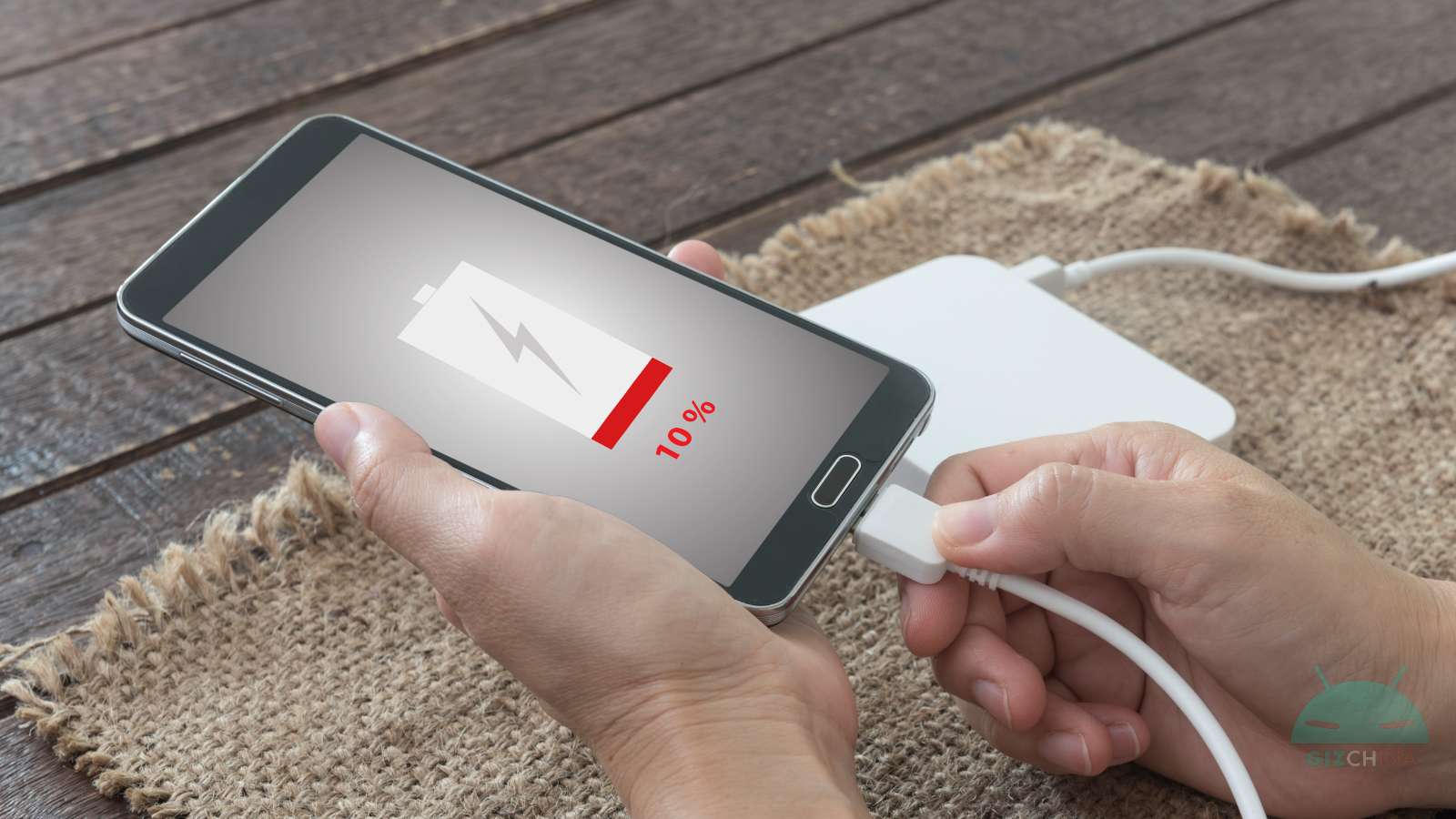
Low battery anxiety is one of the most widespread ‘pathologies’ of the modern era. Whether you’re halfway through an unknown journey with GPS on or in the middle of a workday abroad, seeing the battery indicator drop below the critical 20% threshold triggers palpable frustration.
Often the immediate reaction is to take immediate action by buying emergency power banks or frantically searching for a power outlet, but rarely do we stop to consider the real cause of the problem.
It’s not always the fault of aging hardware or of a defective battery: very often, the culprit is the software we choose to install.
10 apps that drain your battery (even in the background)

A recent study conducted by Elevate, a well-known company in the telecommunications and networking sector, shed light on users’ digital habits, identifying a blacklist of apps that act as true energy parasites.
The analysis examined not only the time the user actively interacts with the screen, but also data usage and, above all, invisible processes that occur when the phone is kept in your pocket.
According to the data collected, many of the world’s most popular apps continue to run relentlessly even when we think we’ve closed them. Elevate calculated the monthly impact based on an average user, revealing consumption percentages that far exceed a single daily charge.
The most energy-hungry apps ranking
Here is the ranking of applications that have the greatest impact on battery life according to the study:
- Netflix: It is the undisputed leader of energy consumption. With an average of 60 hours of streaming per month and as much as 13 hours of background activity, the app reaches consuming 1500% of a full charge over the course of a month.
- TikTok: The short-video platform is no less. Used on average for 33 hours per month, it devours the 825% of the battery on a monthly basis. Significantly contributing are the about 10 hours of data processing that occur in the background.
- YouTube: Google’s giant has a devastating immediate impact; each hour of active use drains the battery by 20%. Adding the 6-7 hours of hidden processes, monthly consumption reaches 540%.
- Threads: Meta’s new social proves highly demanding, consuming 460% of a full charge on a monthly basis, aided by almost 7 hours of background activity.
- Snapchat: Despite lower average usage (16 hours per month), the app consumes 320% of the battery. The alarming data is that half of this consumption happens in the background, unbeknownst to the user.
- CapCut: ByteDance’s video editing app holds the record for the fastest “active” consumption: 30% battery per hour of use. The monthly total stands at 300%.
- Instagram: Another Meta product on the list. With 15 hours of average usage and 4.5 hours of hidden processes, it requires 300% of the monthly battery.
- Facebook: The quintessential social network consumes 270% of the charge every month, maintaining background processes for about 6 hours.
- ChatGPT: Artificial intelligence has a high energy cost. The language model consumes 20% of battery per hour of active use, reaching a total monthly of 200%.
- Spotify: Apparently harmless with only 5% hourly active consumption, becomes a “silent killer” due to the enormous background activity (13.5 hours monthly), necessary for playback with the screen off.
Elevate highlighted a crucial aspect that emerged from the study:
While we worry about screen consumption during video editing or watching a movie, we often ignore that apps like Spotify or social networks continue to exchange data, update feeds, and locate the position even when the phone is in standby.
This very ‘ghost’ activity is what leaves users with drained batteries by evening.
Digital survival strategies
For those who do not want to give up these apps but want to end the day with their phone still on, experts suggest a few tips.
The first line of defense is the disabling of background updates (or ‘Background App Refresh’) for all non-essential apps, which prevents software from continually ‘waking up’ to download new content while we’re not using them.
It is also advisable to use Power Saving mode, which automates the limitation of secondary activities, and manage the screen brightness (manually or with an automatic sensor).
Finally, a often overlooked tip concerns updates: keeping the operating system and apps up to date can introduce code optimizations that reduce the load on the processor.
However, if battery life remains critical, the ultimate solution suggested by Elevate remains drastic but effective: uninstall the most power-hungry apps that are not strictly necessary for our daily life.

