


That sensation of panic that grips you as you open your eyes, you see the light filtering through the window and realize, with a jolt, that it’s definitely too late. You’ve missed the train, you’ll be late for work, and your morning routine is already ruined.
If lately you have found yourself in this unpleasant situation, you are not alone and, above all, you might not be the culprit.
An increasing number of iPhone users are reporting an abnormal behavior of their devices: the alarm, a fundamental tool for the daily life of millions of people, decides to not ring on its own.
iPhone: the alarm works but doesn’t sound
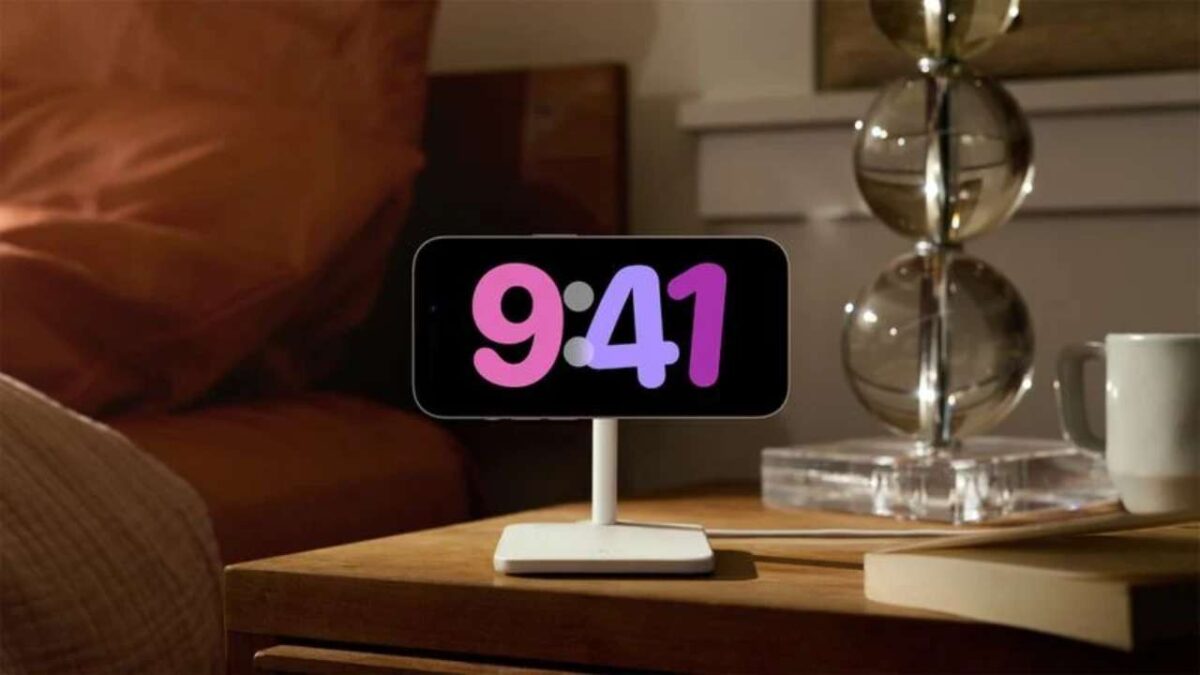
The heart of the problem lies in a particularly insidious software bug affecting the Clock app on iOS. According to reports, the operating system would randomly and without any user intervention change the alarm tone settings.
In practice, an alarm that the night before had been correctly configured with its ringing tone, in the morning activates in silent mode because the sound has mysteriously been switched to the option “None“.
The result is paradoxical: the phone’s display lights up at the preset time, visually signaling the alarm, but no sound is emitted. The user continues to sleep peacefully, unaware that their iPhone is warning them in total silence.
To check if your device is affected by this bug, you need to open the Clock app and manually check every single alarm in the list. It is imperative to ensure that next to the Sound entry there is a specific ringtone title and not the label “None“.
Bug or incorrect settings?
The problem of not waking up is not always attributable solely to this software error. There are several system configurations that, if not managed correctly, can lead to the same disastrous outcome, even when the bug is not evident.
One of the most common causes concerns the handling of volume in the “Sounds and Vibration” settings. Here you’ll find the main slider for the volume of ringtones and alerts. If this slider is not set to maximum, or at least to an audible level, the risk of not hearing the alarm increases dramatically.
Even more critical is the option “Change with buttons“, located right below the volume slider. If this function is active, the ringtone volume can be inadvertently lowered by pressing the physical side buttons of the iPhone while the phone is in your pocket or bag.
To avoid unpleasant surprises, the advice is to disable this checkbox, thereby “locking” the alarm volume at the desired level regardless of accidental key presses.
The intelligence working against you
Another often overlooked aspect concerns advanced features related to Face ID, present in newer models. Apple has introduced a feature called “Look Detection” (Attention-Aware Features).
On paper it’s a brilliant technology: if the iPhone detects you’re looking at the screen, it automatically lowers the volume of alerts, assuming you’ve already seen the notification.
In the context of the morning alarm, however, this AI can prove counterproductive. If at the first ring you open your eyes and look at the sleepy phone, the volume will drop immediately.
If at that moment you should fall back asleep, the reduced sound may not be enough to wake you up a second time.
For heavy sleepers, disabling this function in the dedicated menu could make the difference between arriving on time or having to invent an excuse to your boss.

