


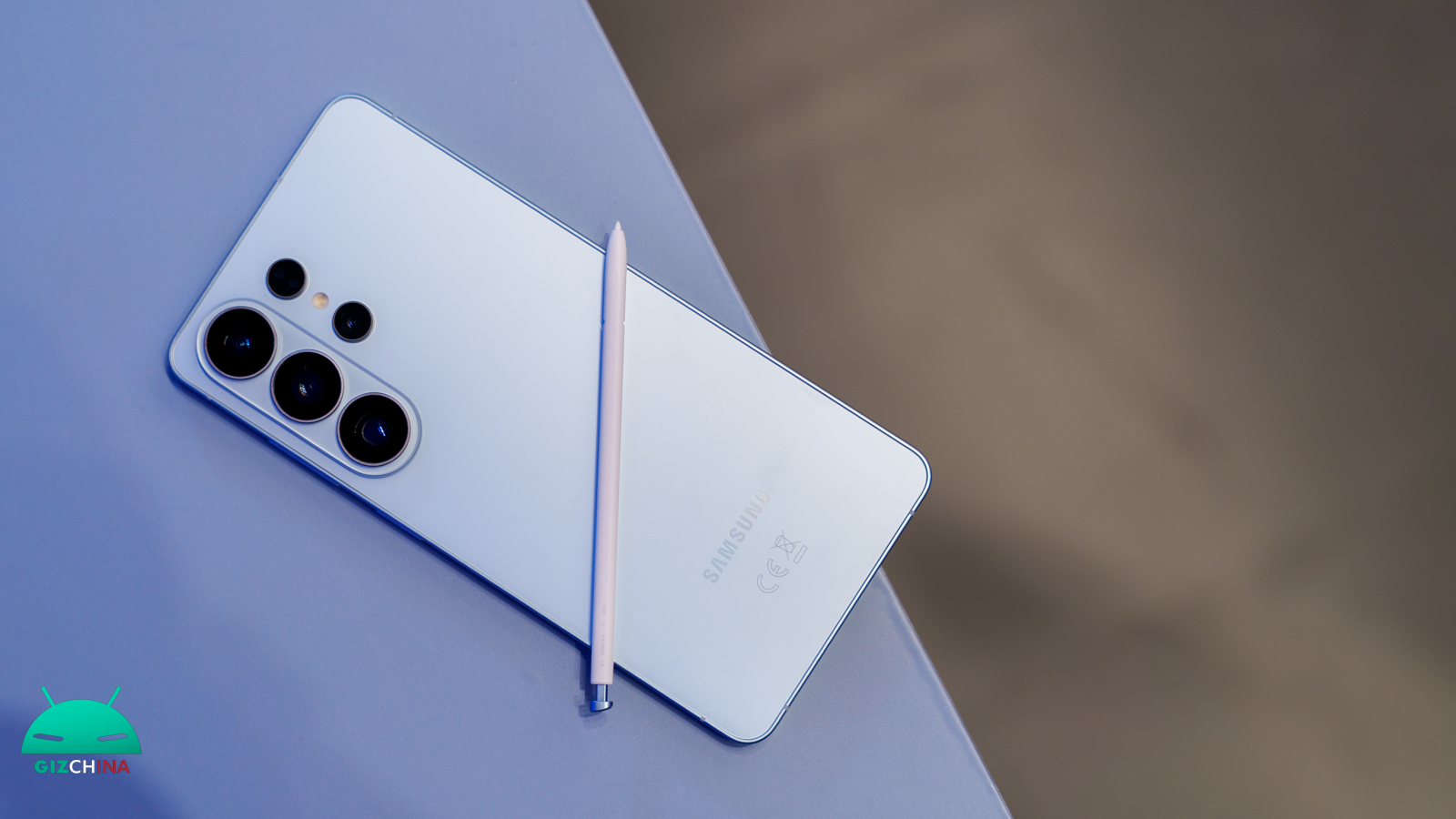
Without any fanfare, Samsung has recently introduced a particularly interesting new feature for the protection of personal data of its users.
The security update released in February 2026, currently spotted mainly on the latest models of the Galaxy S26 series, brings with it a new feature that increases the level of protection of devices in case of loss or prolonged inactivity.
Your Galaxy restarts automatically to protect your data

The functionality, which has been explicitly named to explain its effect on phone inactivity, acts by introducing a true timer inside the system.
When the user decides to activate this option, the software begins to monitor the time elapsed since the last unlock of the screen.
If the smartphone remains inaccessible and unused for a continuous period of 72 hours, without any attempt to access it via code or biometric parameters being detected, the operating system forcefully shuts down and the subsequent power-on of the device.
This is an intelligent automation that intervenes precisely when the device could be away from its rightful owner, ensuring active defense even in the absence of a remotely issued command.
Why does a simple restart increase protection?
It might not seem immediately clear why a common operation like rebooting represents a real cybersecurity advantage. The explanation lies in the state of an Android smartphone just powered on and not yet unlocked for the first time.
In this specific condition, the device blocks access to encrypted memory and disables most of the background functions that normally operate.
Consequently, app notifications are hidden, any third-party alarms may not ring, and the names of the contacts for incoming calls remain totally invisible on the display.
Moreover, if the SIM card is protected by a security code, you will need to enter it to connect to the network and receive calls.
This isolated state renders extraction of sensitive data extremely difficult, if not impossible, for malicious actors who might have obtained the device.
Activation and respect for personal preferences
An aspect particularly appreciated of Samsung’s strategy is its respect for usage habits. The company has indeed decided to include this option and keep it disabled by default, leaving the owner the final decision on its actual use.
To verify whether your smartphone has already received this tool, simply navigate within the system’s general settings, go to the Security and Privacy section, and look for the submenu related to additional security settings.
The switch dedicated to reboot on inactivity is located exactly on that screen, ready to be enabled by anyone who wishes to add an extra layer of protection to their digital life.

