


Following the Gemini-related updates that occurred over the past year, the Google Translate app from Mountain View continues to improve and evolve.
The company has in fact started rolling out version 10.8 of Google Translate for the Android operating system, bringing with it a range of new features designed to simplify daily interaction.
Google Translate: here are the new widgets for Android


The main change concerns the introduction of new home-screen widgets, designed to make access to the most used features even more immediate and flexible.
This expansion increases the total number of available elements on the smartphone’s home screen to eight, offering a high degree of customization.
The company’s aim is clearly to minimize the barriers and steps required to initiate a translation, enabling users to overcome language barriers with unprecedented speed.
The first major novelty of the update concerns the panel dedicated to classic text translation. Design-wise, it mirrors the upper half of the already-known Quick Actions widget.
Its real convenience lies in its immediate interactivity: by touching it, the app automatically opens with the on-screen keyboard already active, ready for immediate text entry.
The dimensions of this interface are flexible and can range from a 3×1 format to a wider 5×1, clearly and legibly displaying the selected language combination.
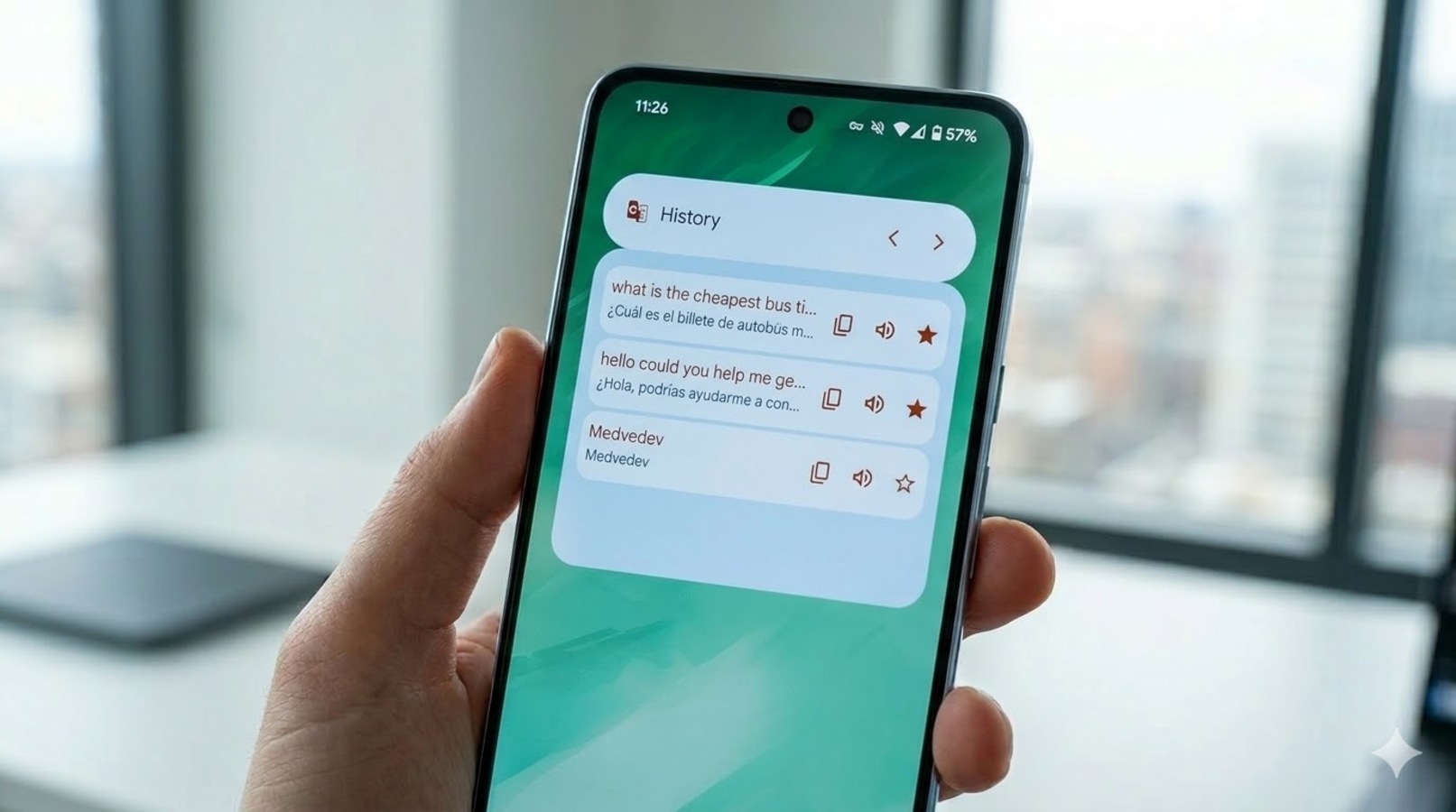
Alongside these innovations, developers have chosen to keep the tool dedicated to saved translations unchanged.
This preserves its unmistakable aesthetic, based on the precise Material You guidelines, ensuring visual continuity for those who regularly rely on their personal archive of frequently used terms and phrases.
New targeted shortcuts for every need
The transformation of the interface continues through the addition of five new independent tile-shaped modules. These are tiles with rounded corners, featuring a compact 2×1 size and adorned with the translator logo placed in a corner.
Each of these elements activates a specific mode directly and without intermediate steps. The user can place on the screen a quick camera activation to immediately translate the text in view, or opt to launch the classic voice translation.
Particularly interesting and useful for travelers is the real-time translation activation, ideal for converting speech captured by the microphone into any language supported by the service.
To complete this wide assortment, there is a function dedicated exclusively to notes, extremely practical for quickly processing blocks of text just copied from websites or other apps, and a module focused on language practice, designed for those who wish to train their skills in a foreign language interactively.
Some of these shortcuts—specifically the camera, live translation, and practice—could previously be invoked by long-pressing the main app icon. However, turning them into standalone widgets greatly increases accessibility.

