


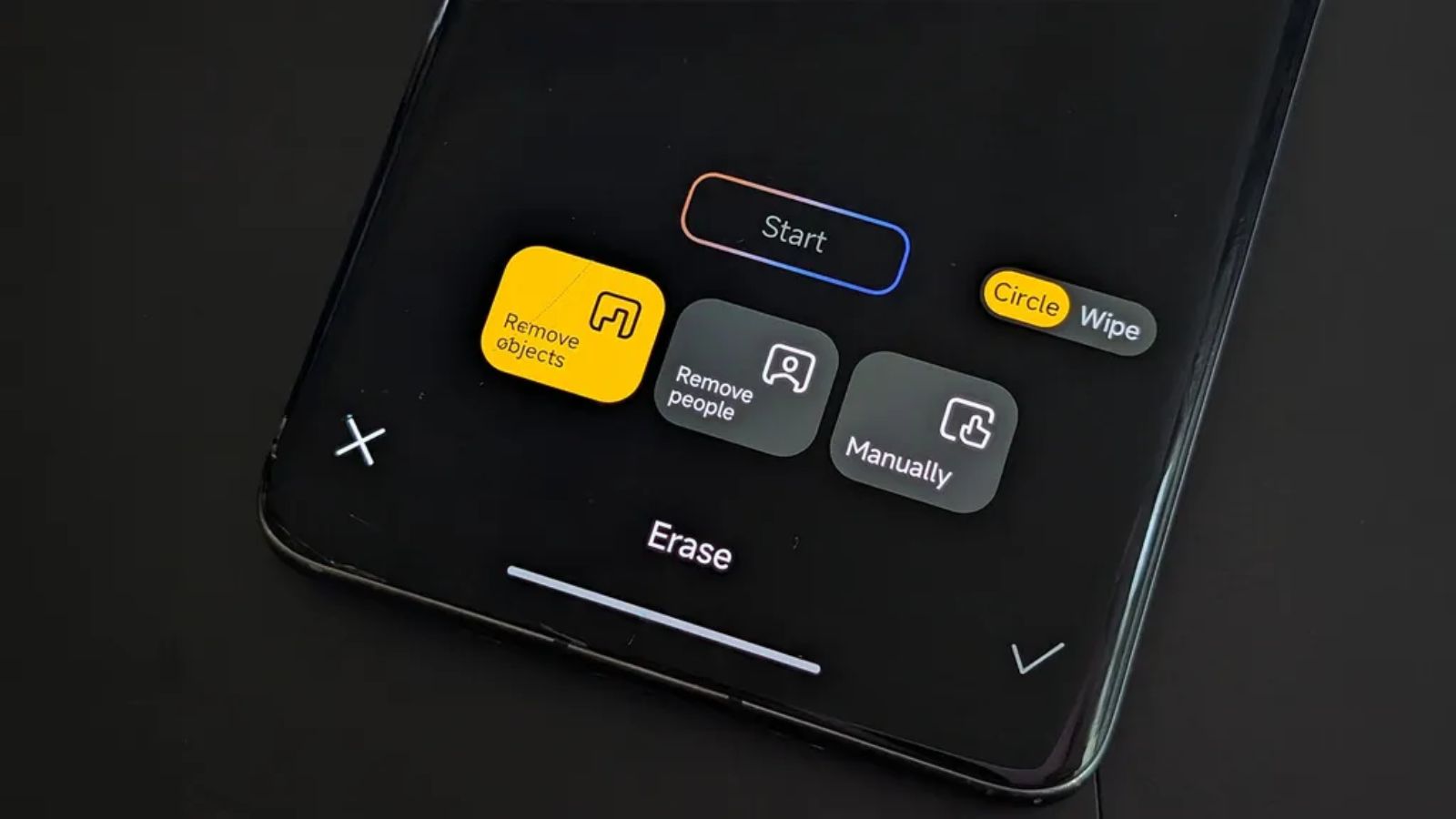
In recent times, one of the most appreciated tools by Xiaomi users for quick photo editing has shown signs of instability. The AI Erase function or simply Remove (objects/people), integrated into the Gallery editor, was hit by a bug that prevented the smart removal of unwanted objects from the photos.
Many (specifically tied to certain smartphones) have faced the error message ‘Cannot initialize the plugin’, rendering the feature unusable. Fortunately, the company has released a resolving update (rolling out in these hours).
Goodbye to the AI Erase bug: here’s how to fix the Gallery Editor error on HyperOS
The root cause of the malfunction was identified as a communication failure between the local Gallery Editor interface and the cloud-based AI modules required to process the deletion command. In practical terms, the application could not correctly verify and download the AI resource packages needed for object recognition.
The bug occurred mainly on devices equipped with the latest OS versions, namely Xiaomi HyperOS 2.2 and HyperOS 3. In these versions, the adoption of stricter security protocols and the updating of API levels created compatibility obstacles with previous versions of the Gallery Editor.
The defect affected several high-end and mid-range models distributed globally: Xiaomi 14T and 14T Pro, Xiaomi 13, POCO X6 Pro 5G, as well as other regional models.
All Gallery Editor builds prior to the new version 2.3.0.6 exhibited the initialization error: therefore the definitive solution is to install the latest app build, released on March 24 and currently rolling out. To obtain the update, go to Settings, System app update and check for new packages for the Gallery Editor.

