

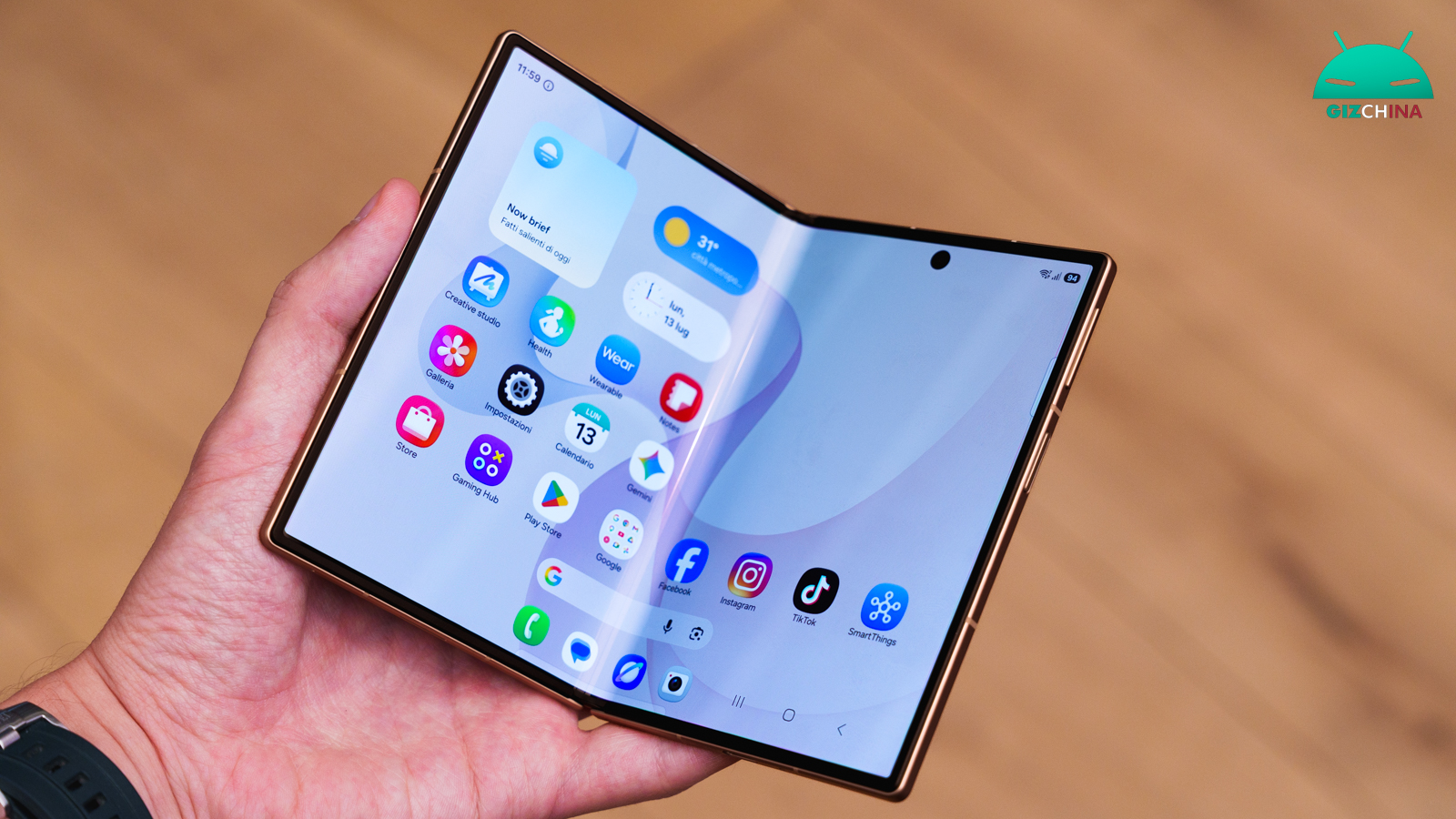
The arrival of the new foldable smartphones from Samsung brings with it innovations that are not limited to the physical components alone, but that improve the everyday software experience.
Among the most interesting additions that have emerged recently, there is a more advanced and independent display management, designed to make switching between the external and internal panels significantly easier.
Thanks to the update of the One UI 9.0 interface, the Galaxy Z Fold 8 and the Ultra variant introduce the separate rotation-lock storage for each display, accompanied by novel zoom options, eliminating the need to resort to complex tricks or third-party applications to achieve the same result.
Samsung Galaxy Z Fold 8, the display rotation lock is now more useful

Until the previous generations, the use of the screen orientation on foldables imposed a compromise. Users who preferred to keep the external secondary display firmly locked in vertical orientation, but wanted to take advantage of the large diagonal of the inner main panel for watching videos or for working activities, had to rely on the Samsung Routines settings.
This automation allowed creating a specific rule to force the orientation only when opening or closing the phone. With the debut of the new lineup, this cumbersome necessity is finally a thing of the past.
The operating system now recognizes, processes and saves the rotation-lock setting completely separately between the two displays. By setting the inner display to a permanently horizontal mode, the device will maintain that preference every time it is opened, without in any way affecting or altering the display of the external compact panel.
A more granular display management
This native implementation is part of One UI 9. Integrating a function so specific directly at OS level guarantees greater stability and immediate execution, being significantly more reliable than using an automation that must run in the background.
In addition to the separate rotation management, software analyses have revealed further adjustments aimed at the versatility of the two displays. One of the most relevant novelties concerns the introduction of screen zoom controls applicable per application.
This extremely granular level of customization allows calibrating the size of texts and graphical elements depending on the program in use, optimizing the density of information shown whether reading an article or working on complex tables.