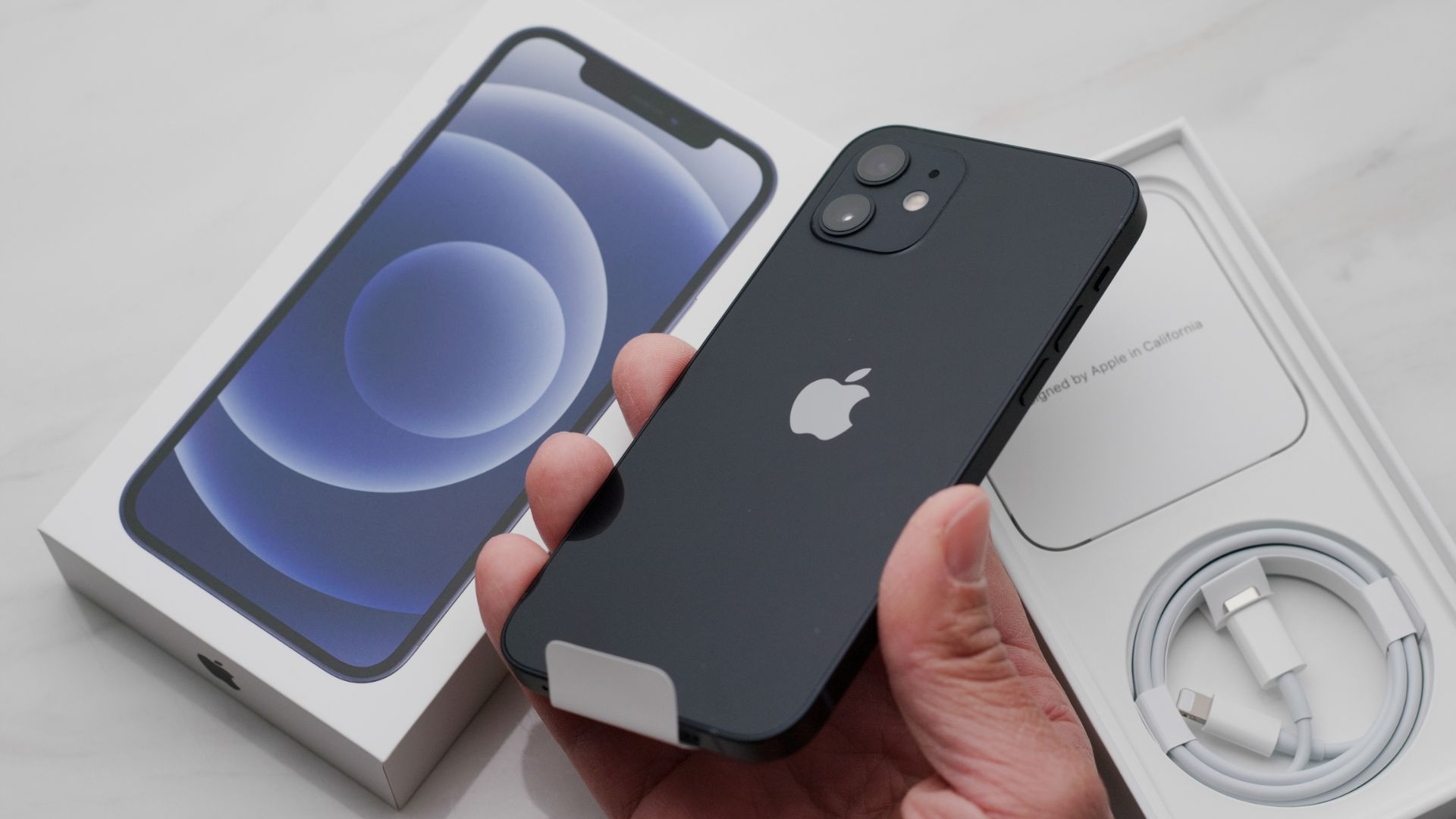
Keeping your personal data safe is an absolute priority in the digital era, and this imperative is even more important for those who own olders devices.
Apple recently surprised users by releasing two essential software updates, iOS 15.8.7 and iOS 16.7.15, designed specifically for older iPhone and iPad models.
The arrival of these updates underscores the urgency of protecting a wide range of users from critical vulnerabilities that could seriously compromise the security of financial and personal information.
Apple updates old iPhone and iPad, security is a priority
The new software packages target those smartphones and tablets that, due to hardware limits, cannot support the latest versions of Cupertino’s operating systems. Specifically, version 16.7.15 is intended for devices extremely popular such as iPhone X, iPhone 8 and iPhone 8 Plus, all launched on the market at the end of 2017.
The 15.8.7 update, on the other hand, covers even older phones but still widely used, including the first generation of iPhone SE, iPhone 7 and iPhone 6S.
The same attention has been given to the tablet sector, with iPadOS 16.7.15 in distribution for fifth-generation iPads and the first iPad Pro models, while the 15.8.7 variant will meet the needs of devices such as iPad Air 2 and iPad mini 4.
To ensure this new protection, users should go to the Settings of their device, access the General section, and select the Software Update option, completing the guided setup.
Coruna malware is what scares
The release of these security patches is by no means random and is closely linked to a worrying discovery made by the Google Threat Intelligence Group.
Cybersecurity experts have in fact identified a sophisticated exploit kit named Coruna, designed by its developers to target Apple devices running system versions ranging from iOS 13 to iOS 17.2.1.
The infection mechanism is particularly insidious because it does not require complex actions from the victim. It is enough to browse compromised websites, often linked to the world of cryptocurrencies or gambling, to open the doors of your phone to cybercriminals.
Once it comes into contact with the device, the malicious code quickly analyzes the model and the software version to select the most effective intrusion tool among those at its disposal.
The target is bank accounts
The real danger of this attack lies in its ability to steal banking credentials and sensitive data using extremely advanced techniques. The malware is able to decode QR codes and scan the texts present on the phone in search of specific keywords related to bank accounts.
Even more worrying is the use of optical character recognition to quietly explore the user’s photo gallery.
Many people tend, imprudently, to store screenshots or photos containing passwords, PINs or security codes. The malware turns these images into a true treasure chest from which to extract valuable private information.
Once the login data and any answers to security questions are obtained, the criminals attempt to access the victim’s home banking services from external devices.
Moreover, if the infection detects the presence of a specific banking app installed on the smartphone, it proceeds to download from the network additional modules created to breach exactly that service.
The isolation mode as an ultimate shield
Facing cyber threats of this scale, updating the operating system represents the first and most effective line of defense.
However, to counter ongoing attacks, Apple operating systems include an emergency function capable of stopping the advance of threats like Coruna.
This is the Isolation Mode, a virtual safe that drastically limits the smartphone’s functionality to prevent unauthorized code execution or data transmission.
This option is activated from the privacy and security settings and requires entering the device’s unlock code to confirm.
More than a routine setting, Isolation Mode acts as a true panic switch, designed to be activated only when you suspect you are the direct target of a targeted cyberattack.