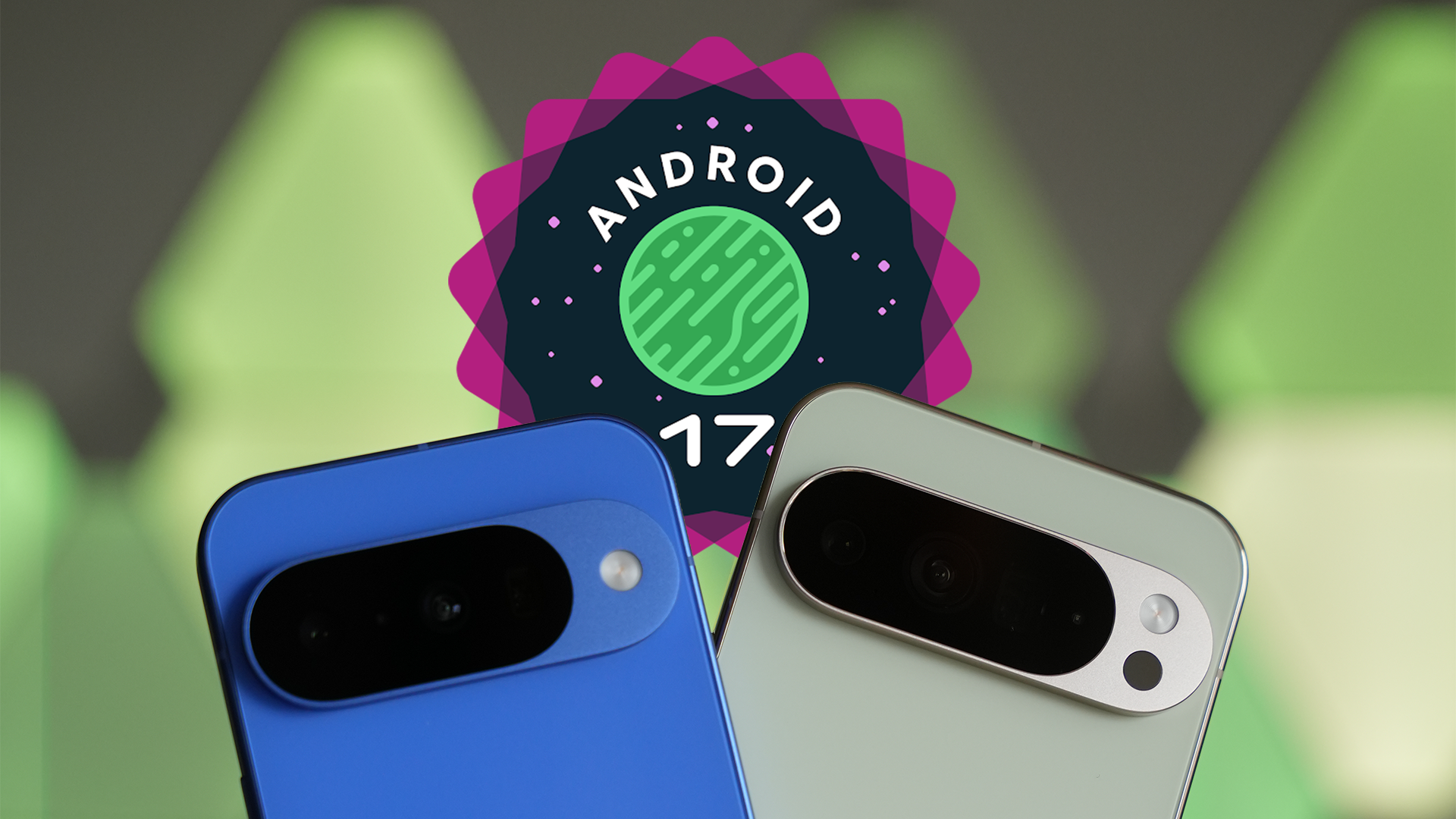
The evolution of Google’s mobile operating system continues its march toward greater integration between devices, aiming to remove the barriers that separate the use of the smartphone from that of the tablet or other terminals.
With the advent of Android 17, this vision becomes a reality in a new feature named App Handoff, designed to guarantee unprecedented operational continuity within the ecosystem.
It’s not simply about syncing data via cloud, but about transferring the entire state of an active application from one hardware to another in real time.
Android 17 and App Handoff, operational continuity and intelligent fallback

The mechanism behind Handoff is designed to operate in a discreet yet effective manner. According to the initial technical information that emerged, the system works in the background to detect ongoing activities on nearby Android devices.
The user will see these options appear directly in the launcher or in the taskbar (taskbar), suggesting the possibility of resuming work exactly where it was left off.
Transfer management occurs through two distinct modalities. In the ideal case, if the application is installed on both devices, the system performs a “deep-link” to the specific activity, opening the native version of the app on the receiving device.
However, Google has also foreseen a scenario where the destination app might be missing. In this circumstance enters into play a fallback solution defined as “app-to-web Handoff”, which redirects the user to the browser version of the service, ensuring that the workflow is not interrupted due to the absence of the installed software.
The crucial role of developers
To make this technological magic happen, a targeted intervention by developers is required. The feature is not active by default on all applications, but must be implemented on a per-activity basis.
Who creates apps will need to invoke specific methods to enable Handoff and, above all, manage the transfer of state data. This means the application must be instructed on which information to package and send to the second device so that the user experience is smooth and coherent, avoiding the loss of unsaved data or of contexts specific to the interface.
Despite the described potentials, it is interesting to note how this functionality is not yet visible or usable in the first Beta of Android 17.
The lack of in-depth documentation leaves room for various interpretations about which form factors will be supported at launch.
However, the explicit reference to using the taskbar suggests a strong orientation toward large-screen devices, such as tablets and foldables.
It is easy to imagine how this technology could integrate perfectly into a desktop scenario, for example enabling you to start drafting an email on your phone while on the move and finish it comfortably on the laptop once you reach the office, making the concept of the Android ecosystem increasingly functional.