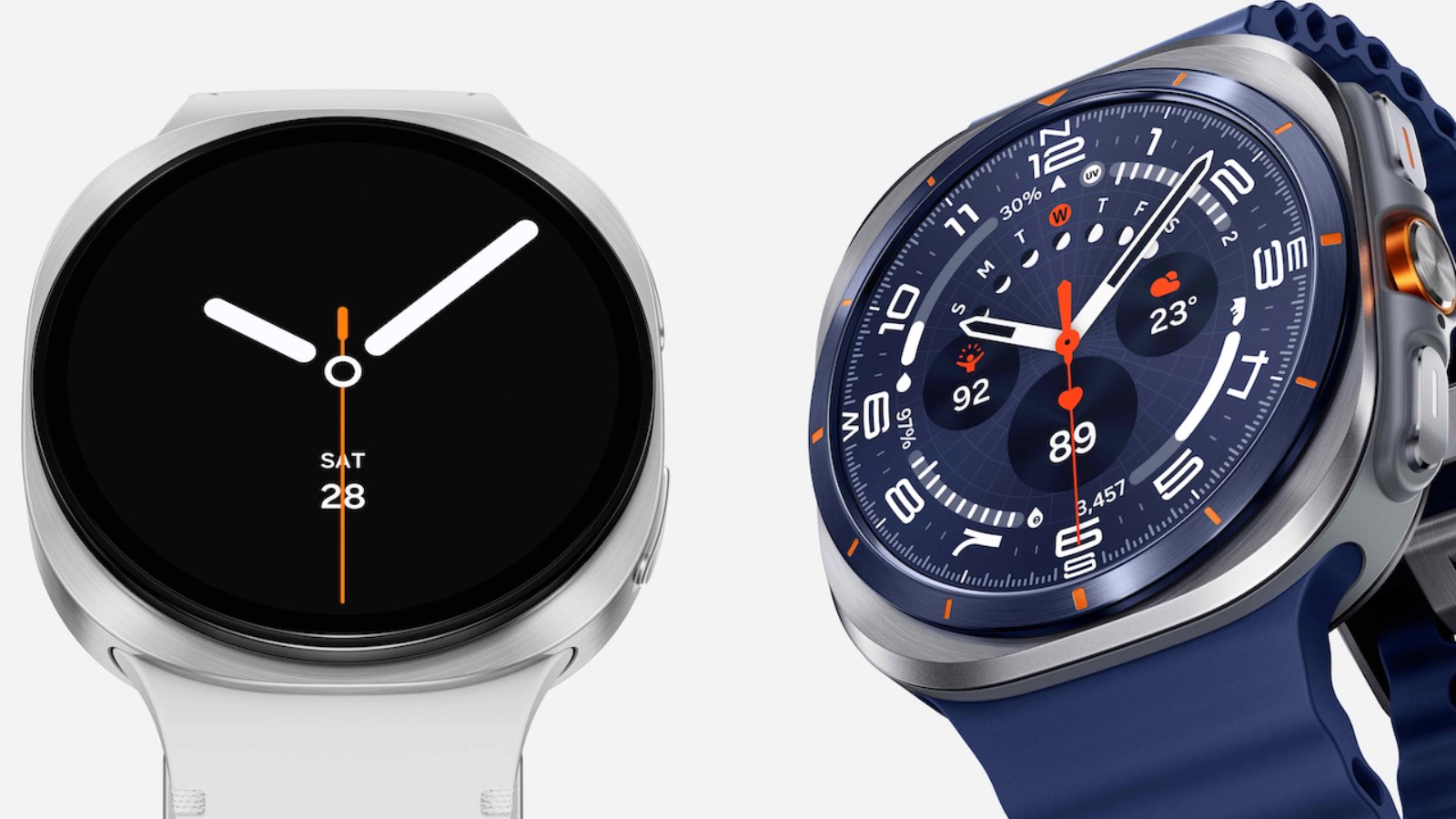
The introduction of Wear OS 6, distributed by Samsung as One UI 8 Watch, is giving the Asian brand’s smartwatches some headaches — but also Google’s Pixel Watch. Many users who have already received the update are reporting a critical defect that compromises the correct time display.
The problem concerns a faulty transition between the Always-On Display mode and the active one, a bug that leaves third-party watch faces stuck in a confusing state.
Samsung Galaxy Watch and Google Pixel Watch: problems with Wear OS 6 caused by a bug

The malfunction manifests in a very specific way: when the user lifts the wrist or taps the screen to wake the watch, the watch face fails to complete the transition from low-power mode to active mode.
This creates an annoying ghosting effect, where the graphical elements of the AOD remain overlapped with those of the active mode, creating visual artifacts, abnormal transparencies, or causing essential components such as the second hand or complications to disappear entirely.

The defect affects a wide range of models, including the new Galaxy Watch 8 and Ultra, but also older models such as the Watch 4, 5, 6 and 7 series, as well as Google Pixel Watch models from version 2 to 4.
Analyses conducted by developers indicate that the origin of the problem lies in the Wear OS 6 code and in how it handles the new opacity fade animations introduced to make transitions smoother.
The heart of the problem: waiting for a fix
This is what in technical jargon is defined as a race condition: if the fade animation does not terminate exactly before the system suspends the screen to save power, the rendering engine locks up, displaying both graphical layers simultaneously.
It is important to note that the bug seems to affect exclusively the third-party watch faces downloaded from the Play Store, including those built with official tools such as Samsung’s Watch Face Studio, while manufacturer-installed faces work correctly because they handle the transition levels differently.
Although Samsung has officially acknowledged the issue, the company has hinted that the responsibility for the fix lies entirely with Google, since it is a Wear OS operating system-level bug.
Unfortunately, the recent Wear OS 6.1 update released in December 2025 did not include the hoped-for fix, leaving users with temporary and impractical workarounds.
At the moment, the only way to avoid the problem is to use stock watch faces, while awaiting Google to introduce the definitive fix with one of the upcoming updates.